From the project
A private file server from hardware you already have
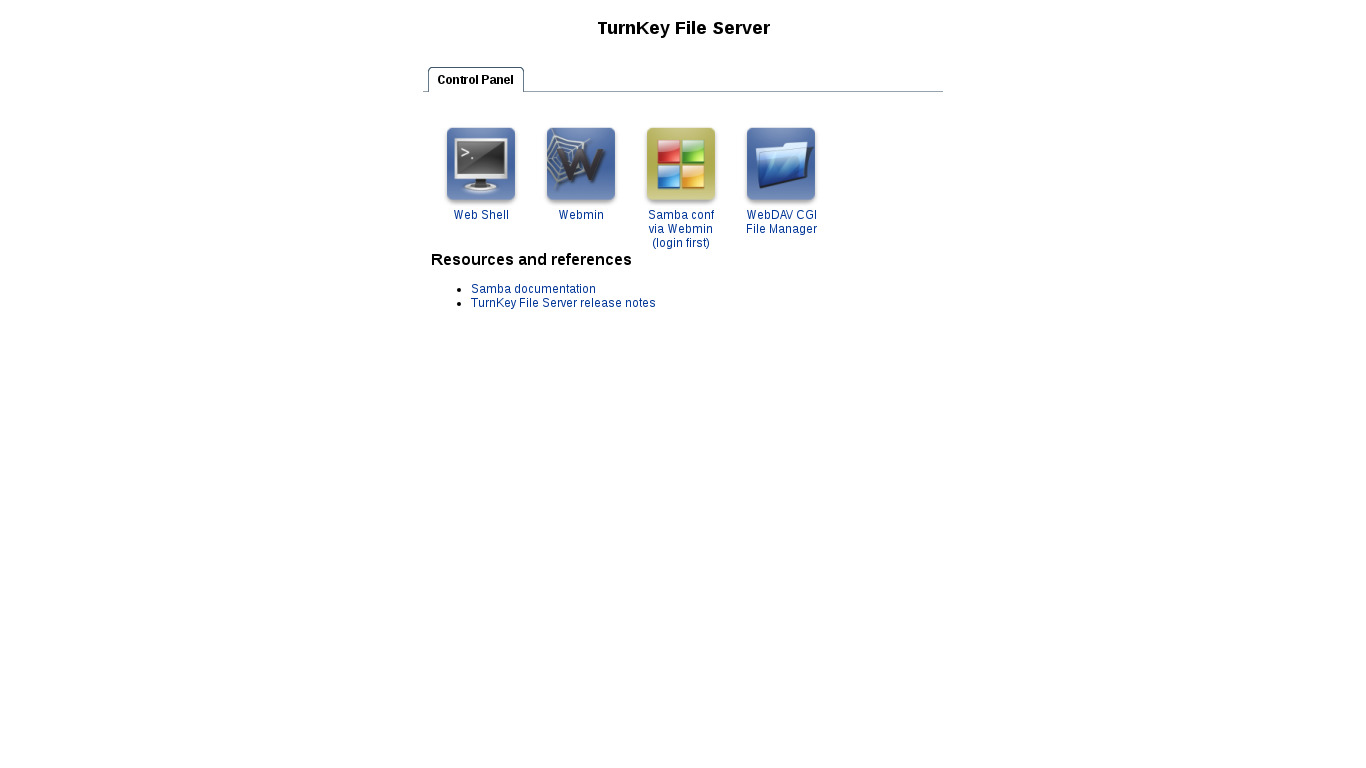
An old desktop with a quiet fan and a pair of decent disks can still do useful work. The TurnKey File Server turns it into shared storage for Windows, macOS and Linux machines without requiring a new NAS box or a subscription.
This is a good fit for household documents, a small office share, archived project files and the folder everybody needs but nobody wants tied to one laptop. The appliance includes Samba for normal network shares and Webmin for administration.
Decide what failure should look like
Storage is the easy part. Deciding what happens when a disk, machine or human fails is the job.
A mirrored pair of disks can keep the server running after one disk dies. It does not protect against accidental deletion, ransomware, theft or a bad command copied into the wrong terminal. RAID is useful availability, not a backup.
Keep another copy somewhere else. That might be an encrypted TKLBAM backup, a second server in another building, or removable storage that is disconnected after the copy finishes. Pick something you can restore without inventing a procedure during an emergency.
Then test it. Delete a harmless test folder, restore it and write down what you did.
Keep the shares boring
File servers work best when the policy is simple enough to explain in a few sentences. Give each person an account. Create a common share for common work. Use a separate restricted share for finance, personnel files or backups. Avoid a maze of permissions inherited from folders that nobody remembers creating.
Do not expose SMB directly to the Internet. For access away from home or the office, connect through a VPN first. The OpenVPN appliance is one option and can sit at the network edge while the file server remains private.
If the server will accept files from untrusted users, treat that as a different service. A public upload box has a different risk profile from a private team share and should not quietly inherit the same access.
A small server is still a server
Give it a stable network address. Put it on power that does not disappear when somebody needs the outlet. Check disk health. Apply updates. If it is built from an old desktop, clean the dust out first. Heat is an unimpressive way to lose a Saturday.
For many homes and small teams, that is enough. You get ordinary network folders, control over where the bytes live and a migration path that does not depend on one storage vendor staying generous forever.