From the project
Three OpenVPN setups, and which one you need
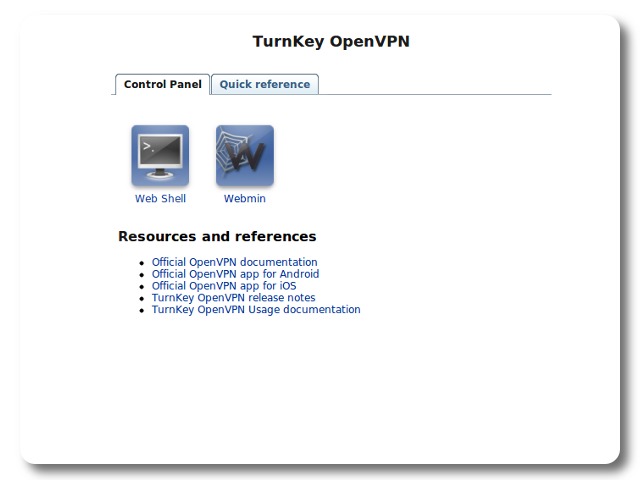
The TurnKey OpenVPN appliance supports three modes because “I need a VPN” hides three different jobs. Pick the job first. The routing makes more sense after that.
1. Reach your private network while away
This is the common server mode setup. A laptop or phone connects to OpenVPN over the Internet and receives access to services that should stay private: a file share, a development box, a printer interface or an internal wiki.
The OpenVPN appliance sits inside the private network. Your router forwards the VPN port to it. Client profiles carry the certificates and settings each device needs.
Do not share one profile across a whole team. Give each person or device its own profile so you can revoke one without interrupting everybody else. Remove profiles when a device is lost or a person no longer needs access.
2. Join two networks together
A site-to-site VPN connects one private network to another. It is useful for an office and a workshop, two family homes sharing a backup target, or a small organization with services split between locations.
Machines can talk across the tunnel without each user starting a VPN client. That convenience also expands the trust boundary. Route only the subnets that need to communicate. A compromised machine at one site should not automatically gain a tour of everything at the other.
Site-to-site setups fail in boring ways when both locations use the same private subnet. If both sides are 192.168.1.0/24, the routers cannot tell which 192.168.1.20 you meant. Renumber one network before building the tunnel if you can. Future you will complain less.
3. Send Internet traffic through a gateway you control
Gateway mode sends client Internet traffic through the VPN server. It is useful on hotel or cafe Wi-Fi, or when a remote worker needs outgoing traffic to come from a known address.
The encrypted tunnel protects traffic between the client and your gateway. Past that point, normal Internet rules apply. HTTPS is still important. A VPN gateway changes where you place trust; it does not remove the need for trust.
Gateway mode also consumes bandwidth twice at the server connection, once in and once out. A fast download at the client needs adequate upload capacity where the VPN server lives.
Before calling it finished
Test from outside the network. Confirm the routes, DNS behavior and services a client can reach. Revoke a test profile and confirm that it stays revoked. Keep the appliance updated and back up its configuration securely.
The OpenVPN documentation covers the appliance-specific setup and client profiles. If the requirement changes later, change the mode deliberately. Accidental routing is rarely the fun kind of surprise.