
Ready-to-use server
Jenkins
Continuous integration
- Debian based
- Automatic security updates
- Free and open source
Jenkins screenshots
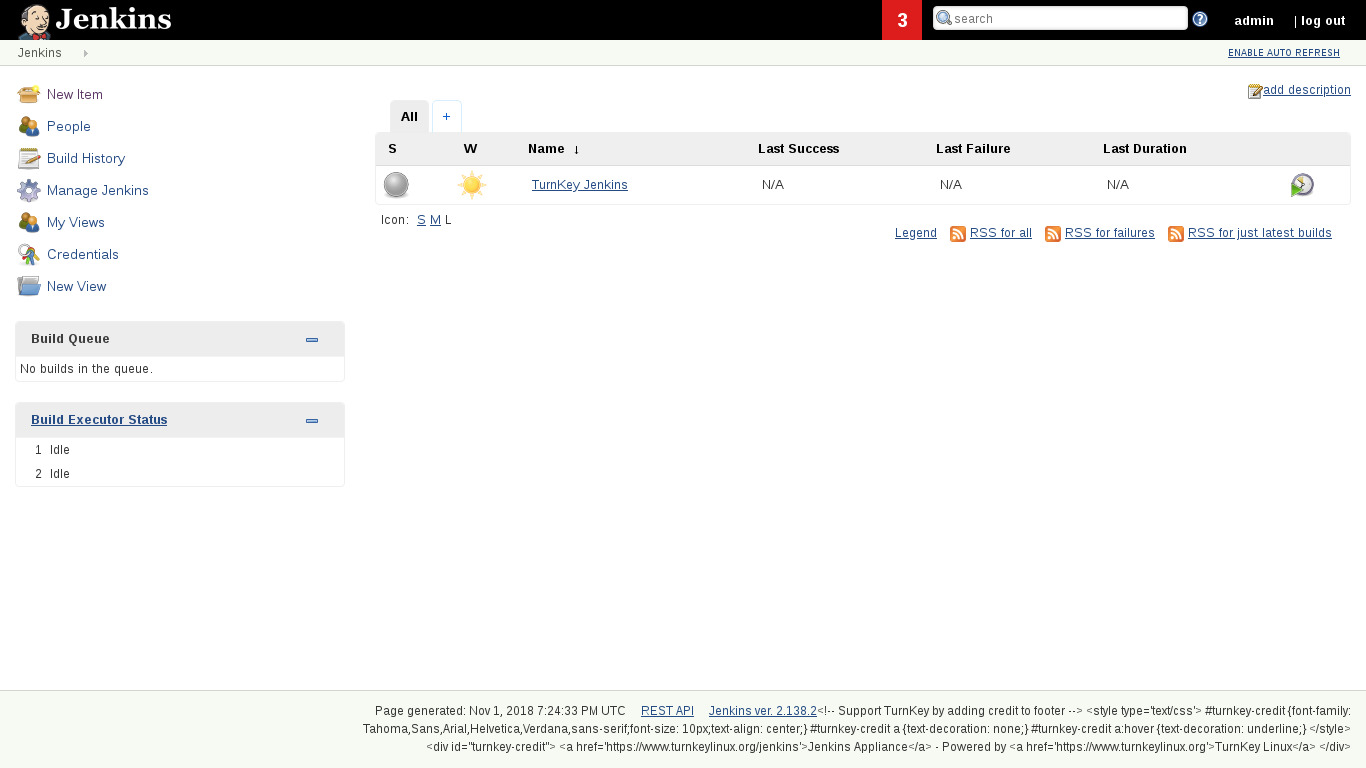

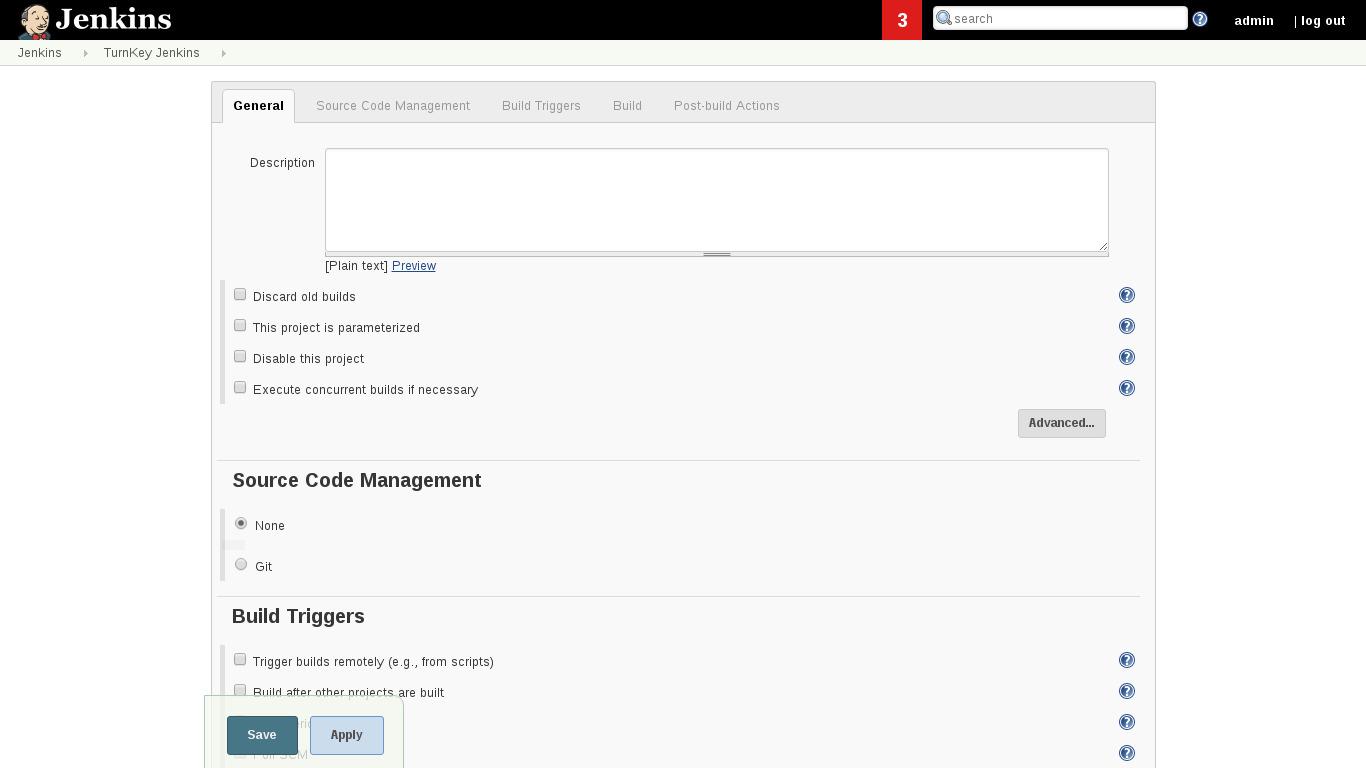
Jenkins is an award-winning application that monitors executions of repeated jobs, such as building a software project or jobs run by cron. Among those things, current Jenkins focuses on building/testing software projects continuously (e.g., like CruiseControl) and monitoring executions of externally-run jobs.
This appliance includes all the standard features in TurnKey Core, and on top of that:
Jenkins configurations:
Jenkins is installed from the Long Term Support package repository managed directly by the Jenkins project.
Security note: Updates to Jenkins may require supervision so they ARE NOT configured to install automatically. See below for updating Jenkins.
Jenkins is preconfigured to use PAM authentication.
Includes all popular VCS clients and related Jenkins plugins for Git, Bazaar, Mercurial and Subversion.
JENKINS_HOME configured in environment: /var/lib/jenkins.
jenkins-cli bash wrapper script - can now use 'jenkins-cli' instead of 'java -jar path/to/jenkins-cli.jar' (convenience).
SSL support out of the box.
Includes postfix MTA (bound to localhost) for sending of email (e.g. password recovery).
Webmin modules for configuring Apache and Postfix.
Supervised Manual Jenkins Update
Before upgrading it is recommended that you consult the relevant upgrade guide. Once satisfied, you can upgrade to the latest version of Jenkins from the command line:
apt-get update
apt-get install jenkins
We recommend subscribing to the Jenkins Security Advisories mailing list.
Credentials (passwords set at first boot)
Webmin, SSH, MySQL: username root
Jenkins: username jenkins-admin
Run from browser
V 19.0
V 18.1
GitHub
Usage details & Logging in for Administration
- Jenkins: default username is jenkins-admin.
No default passwords: For security reasons there are no default passwords. All passwords are set at system initialization time.
Ignore SSL browser warning: browsers don't like self-signed SSL certificates, but this is the only kind that can be generated automatically. If you have a domain configured, then via Confconsole Advanced menu, you can generate free Let's Encypt SSL/TLS certificates.
Web - point your browser at either:
- http://12.34.56.789/ - not encrypted so no browser warning
- https://12.34.56.789/ - encrypted with self-signed SSL certificate
Username for OS system administration:
Login as root except on AWS marketplace which uses username admin.
- Point your browser to:
- https://12.34.56.789:12321/ - System control panel
- https://12.34.56.789:12320/ - Web based command line terminal
- Login with SSH client:
ssh root@12.34.56.789
Special case for AWS marketplace:
ssh admin@12.34.56.789
* Replace 12.34.56.789 with a valid IP or hostname.