
Ready-to-use server
LAMP Stack
Web Stack (MySQL)
- Automatic security updatesDebian support through June 2030
- You're in controlRun on your hardware or in the cloud.
- Free and open sourceUse, inspect and customize the code.
Your server. Your choice.
Run LAMP Stack on AWS
Choose where you want to manage it.
Via TurnKey Hub
The smoothest way to run a TurnKey server.
- Connect your AWS account securelyLink it to the Hub using an AWS IAM role.
- HTTPS ready from the startTrusted certificates for your web and admin interfaces, set up and renewed automatically.
- Manage everything in one placeA focused dashboard for your TurnKey servers, backups and domains.
Sign in using the SSH key or passwords you set on the Hub launch page.
Via AWS Marketplace
Keep server management inside AWS.
- Launch from your AWS accountSubscribe to the listing and choose your instance.
- Manage directly in AWSControl your instance in AWS. Configure trusted HTTPS certificates after launch.
- Get TurnKey services includedStandard support, backup and migration, with software charges on your AWS bill.
SSH in as admin ↗ with your EC2 key. Setup starts automatically.
LAMP Stack screenshots
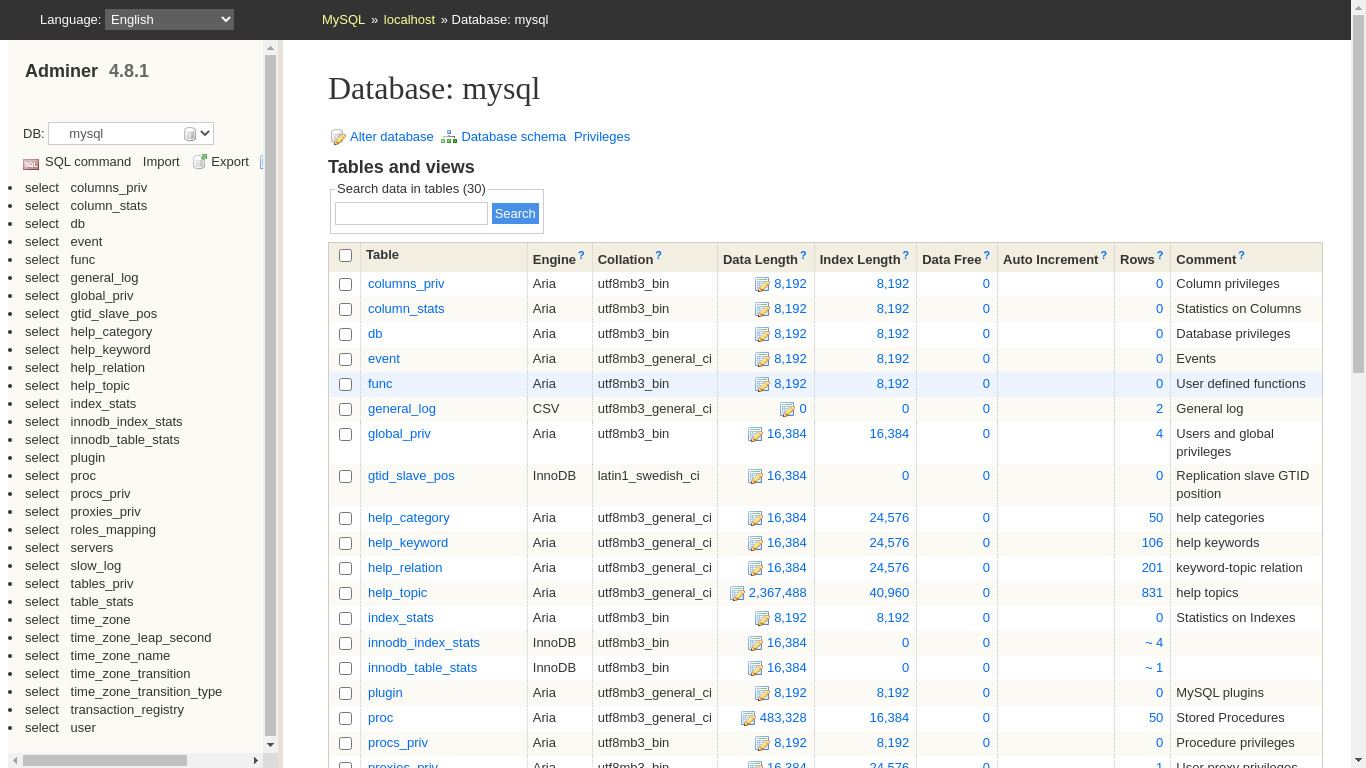

LAMP stack is a popular open source web platform commonly used to run dynamic web sites and servers. It includes Linux, Apache, MariaDB (MySQL drop-in replacement), and PHP/Python/Perl. It is considered by many, as the platform of choice for development and deployment of high performance web applications which require a solid and reliable foundation.
LAMP stack includes all the standard features in TurnKey Core, and on top of that:
SSL support out of the box.
PHP, Python and Perl support for Apache2 and MySQL (MariaDB).
PHP development helpers:
composer installed globally (/usr/local/bin/composer) from upstream.
turnkey-composer convenience wrapper script - runs composer as the 'www-data' (webserver) user account.
php-xdebug: debugging and profiling.
php-pear: php extension and application repository.
php-cli: command-line interpreter.
Adminer administration frontend for MySQL (MariaDB) (listening on port 12322 - uses SSL).
MariaDB - MySQL drop-in replacement.
MySQLTuner - Perl script to review and tweak a MySQL/MariaDB installation.
Postfix MTA (bound to localhost) to allow sending of email from web applications (e.g., password recovery).
Webmin modules for configuring Apache2, PHP, MySQL and Postfix.
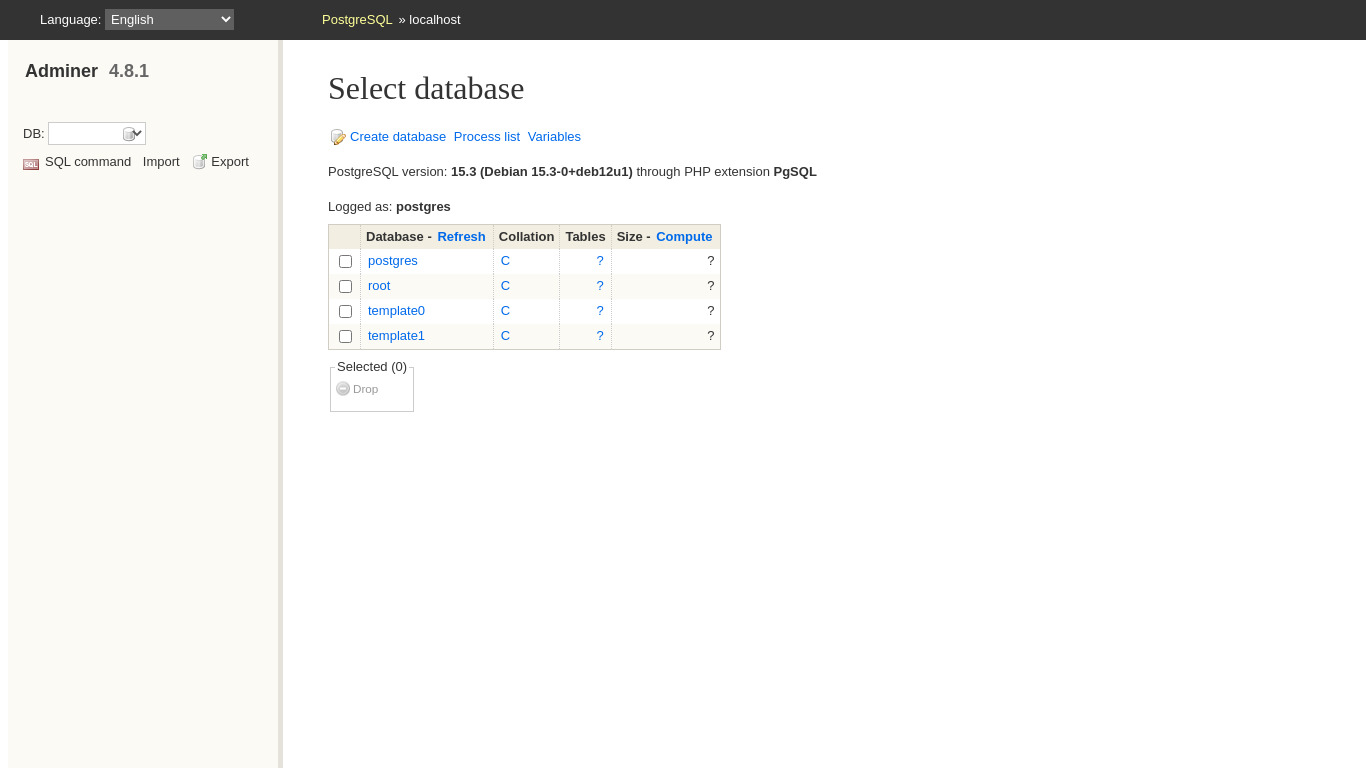
A separate LAPP stack server features PostgreSQL instead of MySQL.
Credentials (passwords set at first boot)
Webmin, SSH, MySQL: username root
Adminer: username adminer
Run from browser
V 19.0
V 18.1
GitHub
Usage details & Logging in for Administration
No default passwords: For security reasons there are no default passwords. All passwords are set at system initialization time.
Ignore SSL browser warning: browsers don't like self-signed SSL certificates, but this is the only kind that can be generated automatically. If you have a domain configured, then via Confconsole Advanced menu, you can generate free Let's Encypt SSL/TLS certificates.
Web - point your browser at either:
- http://12.34.56.789/ - not encrypted so no browser warning
- https://12.34.56.789/ - encrypted with self-signed SSL certificate
Note: some servers redirect HTTP to HTTPS automatically.
Username for adminer:
Login as username adminer
Username for database administration:
- Adminer; login as MySQL username adminer:
https://12.34.56.789:12322/ - Adminer database management web app
- MySQL command line tool; log in as root (no password required):
$ mysql --user root
Welcome to the MySQL monitor.  Commands end with ; or \g.
Type 'help;' or '\h' for help. Type '\c' to clear the current input statement.

mysql>
Username for OS system administration:
Login as root except on AWS marketplace which uses username admin.
- Point your browser to:
- https://12.34.56.789:12321/ - System control panel
- https://12.34.56.789:12320/ - Web based command line terminal
- Login with SSH client:
ssh root@12.34.56.789
Special case for AWS marketplace:
ssh admin@12.34.56.789
* Replace 12.34.56.789 with a valid IP or hostname.