
Ready-to-use server
LimeSurvey
Survey application
- Debian based
- Automatic security updates
- Free and open source
LimeSurvey screenshots
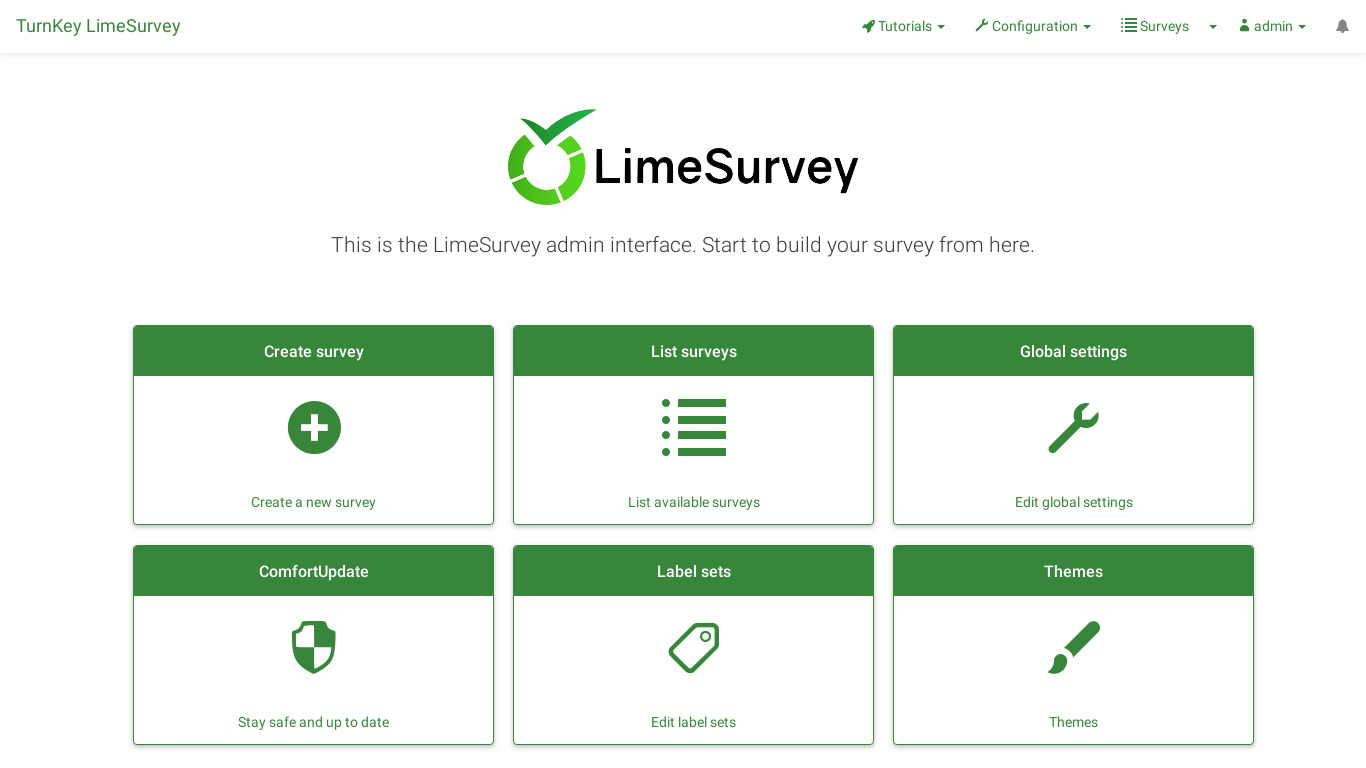
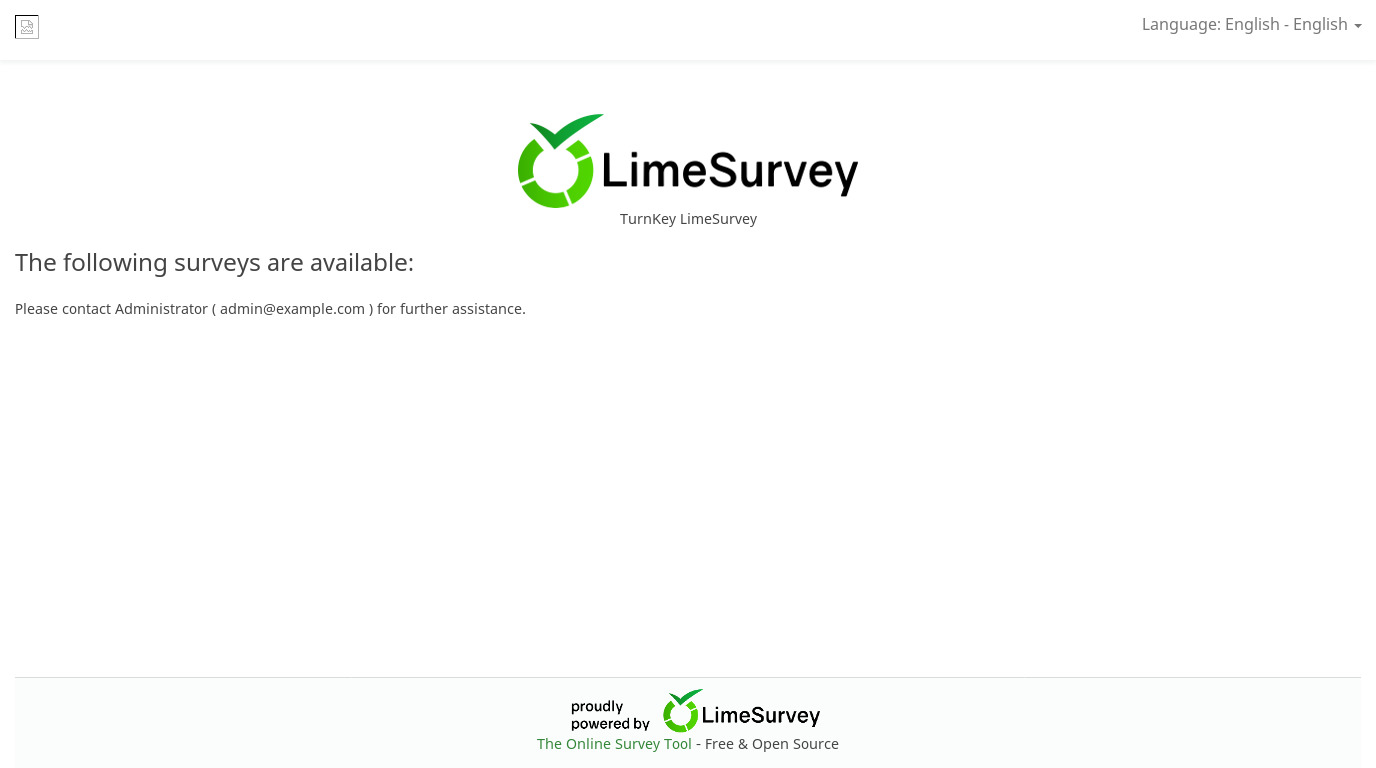
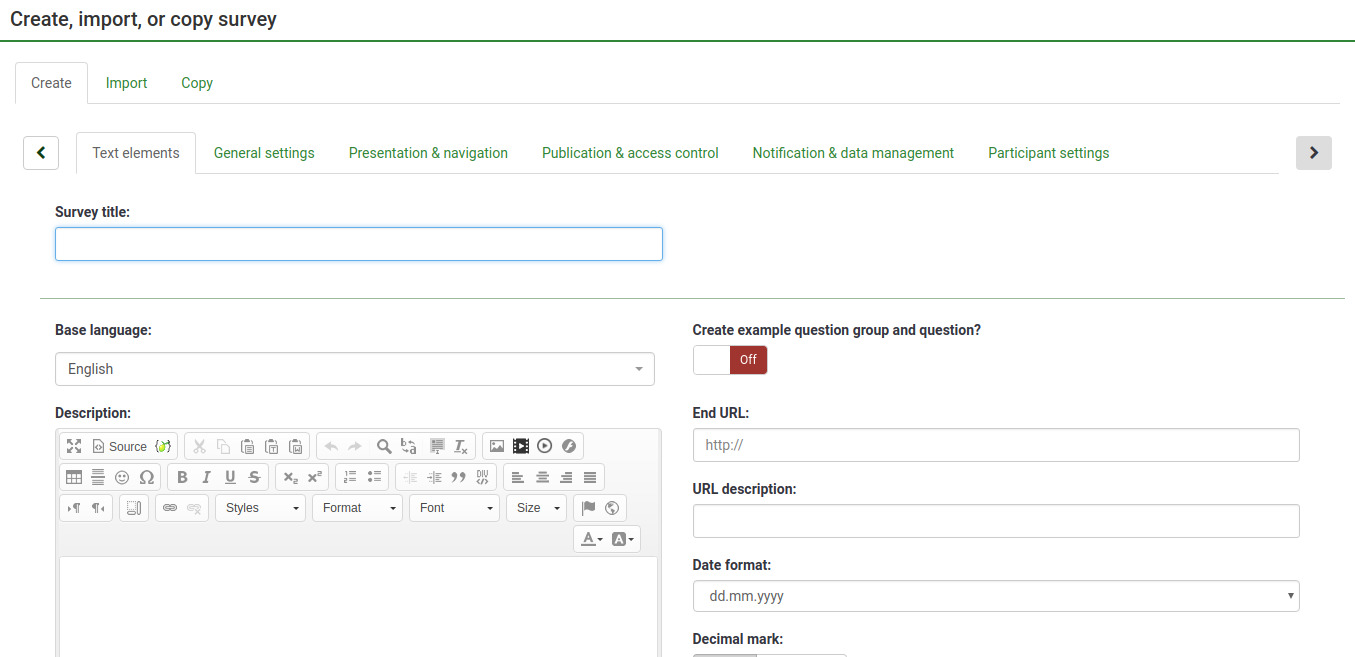
LimeSurvey is a user-friendly web application that enables users to develop and publish surveys, and collect responses, without doing any coding. Users can use rich text in questions and messages, using a rich text editor, and images and videos can be integrated into surveys.
This appliance includes all the standard features in TurnKey Core, and on top of that:
LimeSurvey configurations:
LimeSurvey 7.0.11 Community Edition is installed from the official complete release archive to /var/www/limesurvey. The reviewed archive digest is verified during the build.
Admin area available from example.com/admin
Security note: Updates to LimeSurvey may require supervision so they ARE NOT configured to install automatically. See LimeSurvey documentation for upgrading.
Update LimeSurvey
Back up the database, application configuration and uploads, then follow the official LimeSurvey upgrade documentation to install a reviewed current Community Edition release and run its database upgrade. LimeSurvey upgrades are administrator-supervised because major releases can change survey data and extension compatibility.
SSL support out of the box.
Adminer administration frontend for MySQL (listening on port 12322 - uses SSL).
Postfix MTA (bound to localhost) to allow sending of email (e.g., password recovery).
Webmin modules for configuring Apache2, PHP, MySQL and Postfix.
Credentials (passwords set at first boot)
Webmin, SSH, MySQL: username root
Adminer: username adminer
LimeSurvey: username admin
Run from browser
V 19.0
V 18.0
GitHub
Usage details & Logging in for Administration
No default passwords: For security reasons there are no default passwords. All passwords are set at system initialization time.
Ignore SSL browser warning: browsers don't like self-signed SSL certificates, but this is the only kind that can be generated automatically. If you have a domain configured, then via Confconsole Advanced menu, you can generate free Let's Encypt SSL/TLS certificates.
Web - point your browser at either:
- http://12.34.56.789/ - not encrypted so no browser warning
- https://12.34.56.789/ - encrypted with self-signed SSL certificate
Note: some appliances auto direct http to https.
Username for adminer:
Login as username adminer
Username for limesurvey:
Login as username admin
Username for database administration:
- Adminer; login as MySQL username adminer:
https://12.34.56.789:12322/ - Adminer database management web app
- MySQL command line tool; log in as root (no password required):
$ mysql --user root
Welcome to the MySQL monitor.  Commands end with ; or \g.
Type 'help;' or '\h' for help. Type '\c' to clear the current input statement.

mysql>
Username for OS system administration:
Login as root except on AWS marketplace which uses username admin.
- Point your browser to:
- https://12.34.56.789:12321/ - System control panel
- https://12.34.56.789:12320/ - Web based command line terminal
- Login with SSH client:
ssh root@12.34.56.789
Special case for AWS marketplace:
ssh admin@12.34.56.789
* Replace 12.34.56.789 with a valid IP or hostname.