You are here
File Server
Simple Network Attached Storage
An easy to use file server that combines Windows-compatible network file sharing with a web based file manager. TurnKey File Server includes support for SMB, SFTP, NFS, WebDAV and rsync file transfer protocols. The server is configured to allow server users to manage files in private or public storage. Based on Samba and WebDAV CGI.
Run from browser
V 18.0
V 17.1
GitHub
This appliance includes all the standard features in TurnKey Core, and on top of that:
- SSL support out of the box.
- Webmin module for configuring Samba.
- ncludes popular compression support (zip, rar, bz2).
- Includes flip to convert text file endings between UNIX and DOS formats.
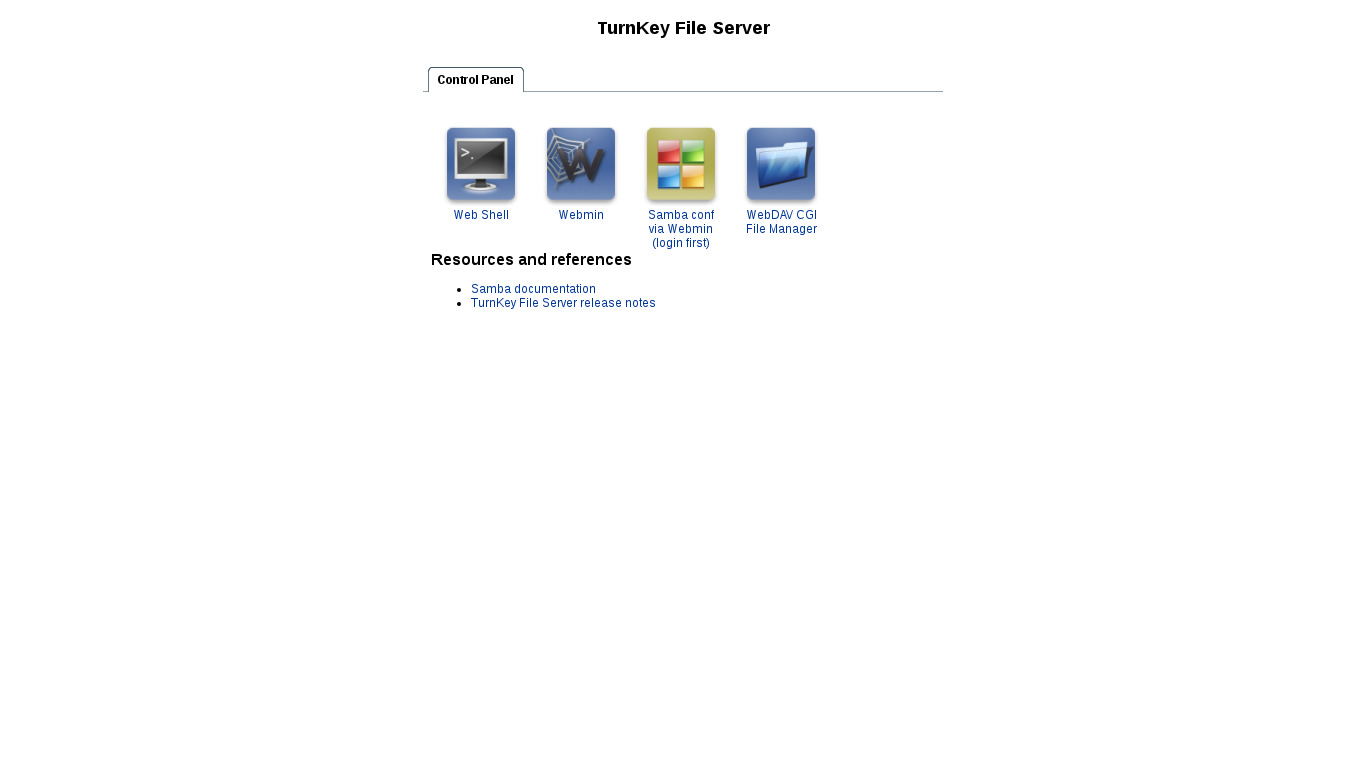
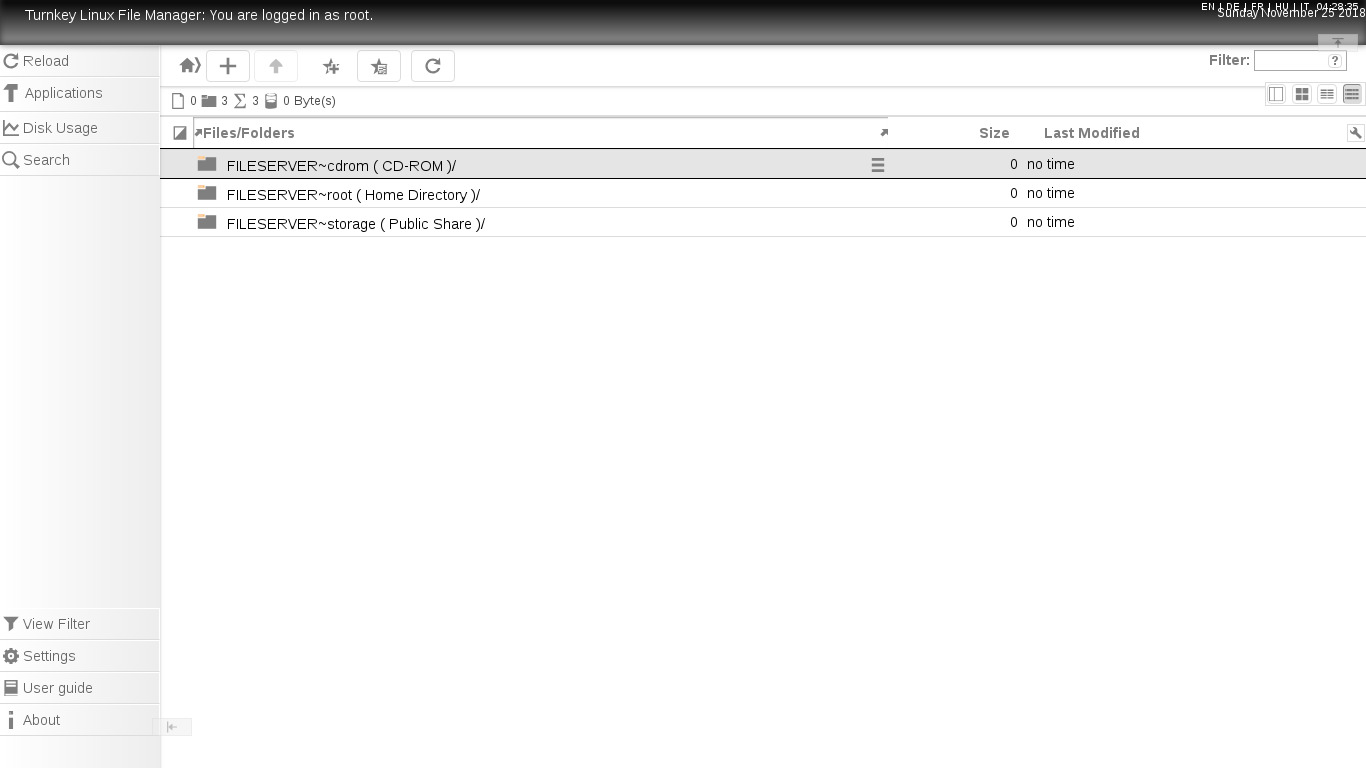
- WebDAV CGI providing WebUI and WebDAV access.
- File server (Samba) configuration:
- Pre-configured workgroup: WORKGROUP
- Pre-configured netbios name: FILESERVER
- Configured root as administrative samba user.
- Configured shares:
- Users home directory.
- Public storage.
- CD-ROM with automount and umount hooks (/media/cdrom).
- NOTE: Due to the removal of libpam-smbpass (see issue #1188), new Samba users must have their passwords explicitly set separately when created. However, if you create a Samba user using smbpasswd, then a new Linux user
of the same name, with the same password is automatically created (including home directory). E.g.:
# smbpasswd -a new_user
New SMB password:
Retype new SMB password:
Added user new_user.
# ls /home/
new_user
Access your files securely from anywhere via WebDAV CGI:
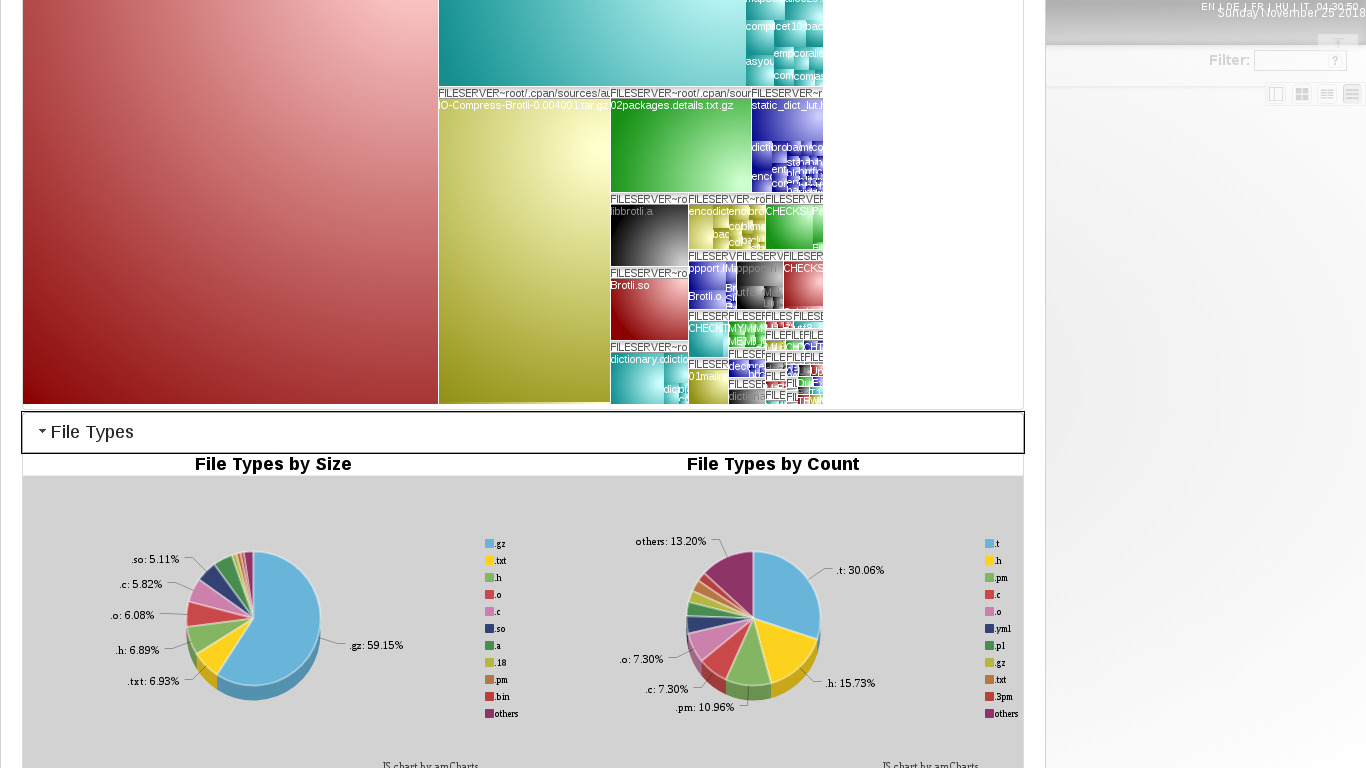
Web GUI access to your files, with online previews of major formats and drag-n-drop support.
Pre-configured authentication (Samba).
Pre-configured repositories (storage, user home directories).
Default storage: /srv/storage
Accessing file server via samba on the command line:
smbclient //1.0.0.61/storage -Uroot
mount -t cifs //1.0.0.61/storage /mnt -o username=root,password=PASSWORD
Usage details & Logging in for Administration
No default passwords: For security reasons there are no default passwords. All passwords are set at system initialization time.
Ignore SSL browser warning: browsers don't like self-signed SSL certificates, but this is the only kind that can be generated automatically. If you have a domain configured, then via Confconsole Advanced menu, you can generate free Let's Encypt SSL/TLS certificates.
Web - point your browser at either:
- http://12.34.56.789/ - not encrypted so no browser warning
- https://12.34.56.789/ - encrypted with self-signed SSL certificate
Note: some appliances auto direct http to https.
Username for Samba & Web based file manager (WebDAV CGI):
Login as username root (or other valid Samba user)
Username for OS system administration:
Login as root except on AWS marketplace which uses username admin.
- Point your browser to:
- https://12.34.56.789:12321/ - Webmin System Administration UI
- https://12.34.56.789:12320/ - Web based command line terminal
- Login with SSH client:
ssh root@12.34.56.789
Special case for AWS marketplace:
ssh admin@12.34.56.789
* Replace 12.34.56.789 with a valid IP or hostname.