You are here
MediaWiki

Wikipedia's Wiki Engine
MediaWiki is a powerful wiki engine that was originally developed to serve the needs of Wikipedia - the free encyclopedia. Today, MediaWiki is used publicly by many of the largest and most popular wikis online, while privately it is being increasingly deployed inside company Intranets as a knowledge and content management system.
Run from browser
V 18.0
V 17.1
GitHub
This appliance includes all the standard features in TurnKey Core, and on top of that:
- MediaWiki configurations:
- Installed from upstream source code to /var/www/mediawiki
- Ensure clean and compliant HTML ($wgUseTidy)
- Out of the box file uploading and image resizing (GD library)
- Maximum filesize: 2MB
- Supported file types: png, gif, jpg, jpeg
Security note: Updates to MediaWiki may require supervision so they ARE NOT configured to install automatically. See MediaWiki documentation for upgrading.
- SSL support out of the box.
- Adminer administration frontend for MySQL (listening on port 12322 - uses SSL).
- Postfix MTA (bound to localhost) to allow sending of email (e.g., password recovery, user registration)
- Webmin modules for configuring Apache2, PHP and MySQL.
Customization details:
- Site logo is located at /var/www/mediawiki/images/logo.png (recommended size: 135x135px).
- Site name and administrative emails (set in
/var/www/mediawiki/LocalSettings.php):
$wgSitename = "";
$wgEmergencyContact = webmaster@localhost;
$wgPasswordSender = webmaster@localhost;
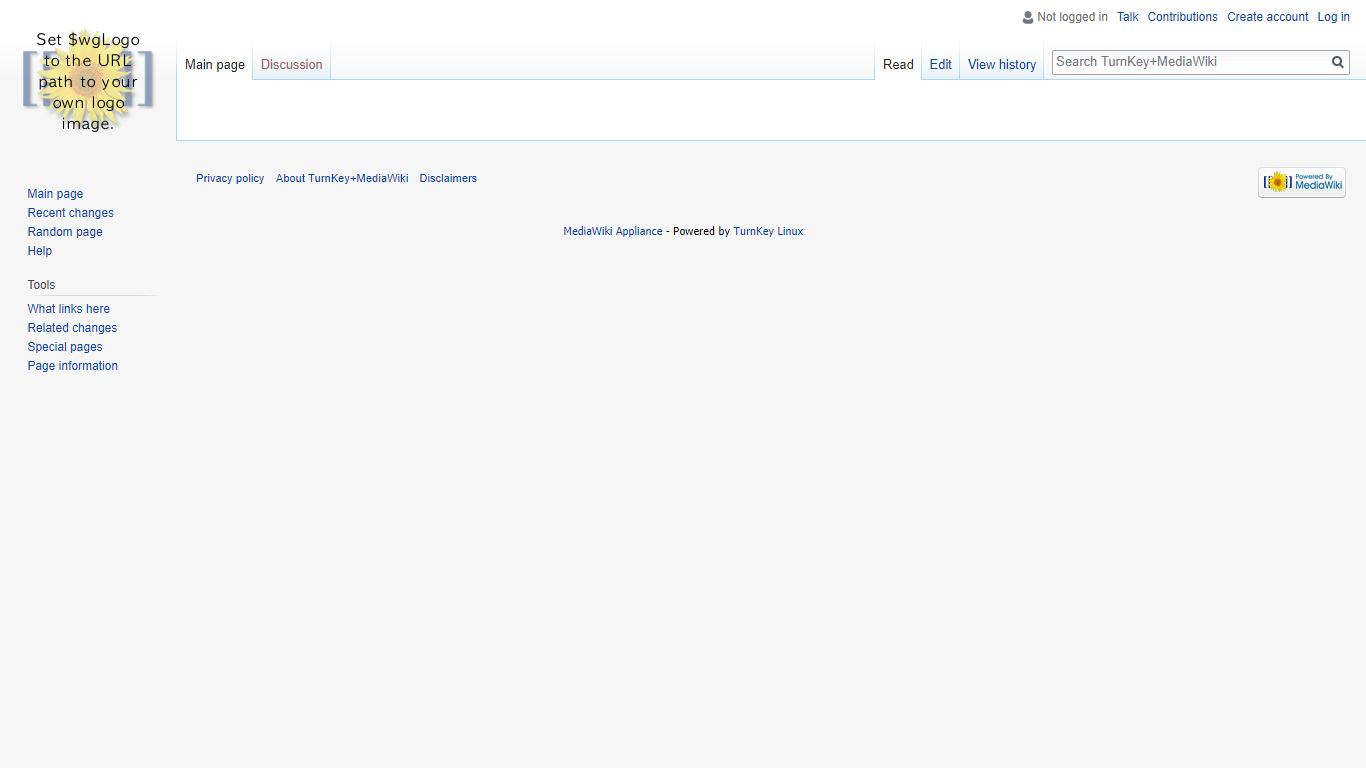
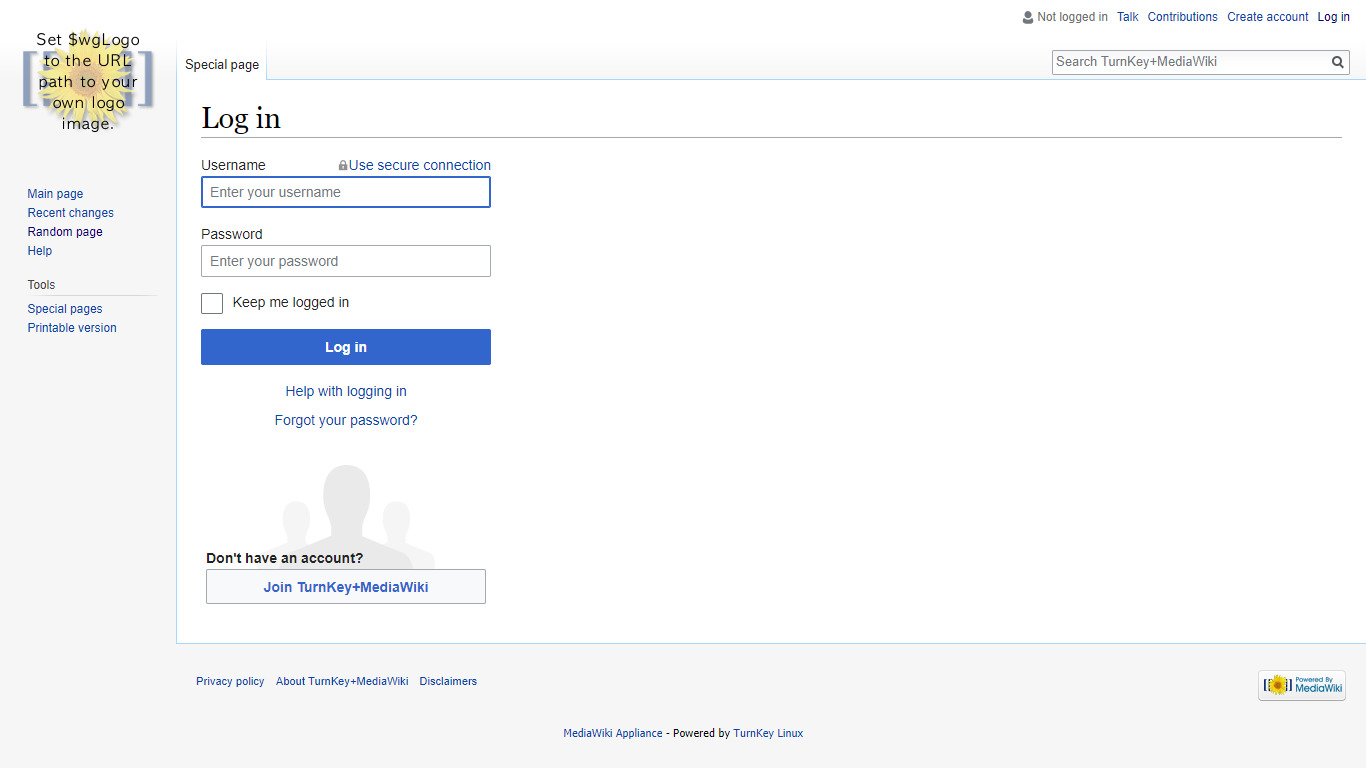
Usage details & Logging in for Administration
No default passwords: For security reasons there are no default passwords. All passwords are set at system initialization time.
Ignore SSL browser warning: browsers don't like self-signed SSL certificates, but this is the only kind that can be generated automatically. If you have a domain configured, then via Confconsole Advanced menu, you can generate free Let's Encypt SSL/TLS certificates.
Web - point your browser at either:
- http://12.34.56.789/ - not encrypted so no browser warning
- https://12.34.56.789/ - encrypted with self-signed SSL certificate
Note: some appliances auto direct http to https.
Username for adminer:
Login as username adminer
Username for mediawiki:
Login as username admin
Username for database administration:
- Adminer; login as MySQL username adminer:
https://12.34.56.789:12322/ - Adminer database management web app
- MySQL command line tool; log in as root (no password required):
$ mysql --user root
Welcome to the MySQL monitor.  Commands end with ; or \g.
Type 'help;' or '\h' for help. Type '\c' to clear the current input statement.

mysql>
Username for OS system administration:
Login as root except on AWS marketplace which uses username admin.
- Point your browser to:
- https://12.34.56.789:12321/ - System control panel
- https://12.34.56.789:12320/ - Web based command line terminal
- Login with SSH client:
ssh root@12.34.56.789
Special case for AWS marketplace:
ssh admin@12.34.56.789
* Replace 12.34.56.789 with a valid IP or hostname.