A place to search for and ask for support

OnePressTech's picture

LetsEncrypt for Postfix Email Relay Configuration

Forum: 
In the past I have deployed TKLX servers using a manually obtained SSL certificate which I then upload and embed in the appropriate configuration files (apache, webmin, stunnel, postfix). I deployed my first LetsEncrypt server (version 15) and it works fine for the apache server out of the box but I didn't get around to converting my postfix server from direct to relay until now...and I realise I don't know how to go about ensuring the renewed LetsEncrypt cert automatically gets applied into my postfix server configuration for relayed email. Can you clarify which TKLX appliance features from

Canvas AMI Installation

Forum: 

Hello,

The canvas AMI installtion continues to fail for us. We get ngnix errors when the system tries to install the certificate. Can we please be advised about how to resolve this?

Also if exiting during the installation process is there a way to resume the installation?

Thanks.

-Chris

Andrew Barnett's picture

How to Update NextCloud Config.php from SSH?

Forum: 

I've successfully installed NextCloud on Amazon EC2 through the TurnkeyLinux Marketplace app. I've been able to get everything setup and working, but want to change to a fully qualified domain (rather than the public IP).

Before I make the change, I'd like to make sure that I can edit the config.php to add new trusted domains.

The pertinent details:

Peter Green's picture

Apache failing to start

Forum: 

Hi,

Since the latest server reboot, the Apache2 service is failing to start, and it appears a python service is holding port 80.

I have been able to get around this so far by killing the python process and manually starting Apache2.

Further investigation indicates this may be part of the dehydrated/letsencrypt update process.

Any idea of rectification steps?

The 'get lets encrypt certificate' works in the confconsole as expected with no apparent errors.

Here are the relevant entries from the syslog:

deutrino's picture

does Turnkey depend on Apache on all installs?

Forum: 

Hi there, I've FINALLY gotten around to working on the "LEPP" (Linux+Nginx+PHP+PostgreSQL) appliance and my 'make' is blowing up.

I'm basically merging the LAPP appliance and the Nginx+PHP-fastcgi appliance. So I'm sure I've done something wrong. My guess would be because I removed Apache entirely in the new plan file, and Turnkey depends on Apache?

The current state of my definitions/whatever you call them is here: https://github.com/deutrino/lepp/tree/decompose-base-lapp

Mayan install fails

Forum: 

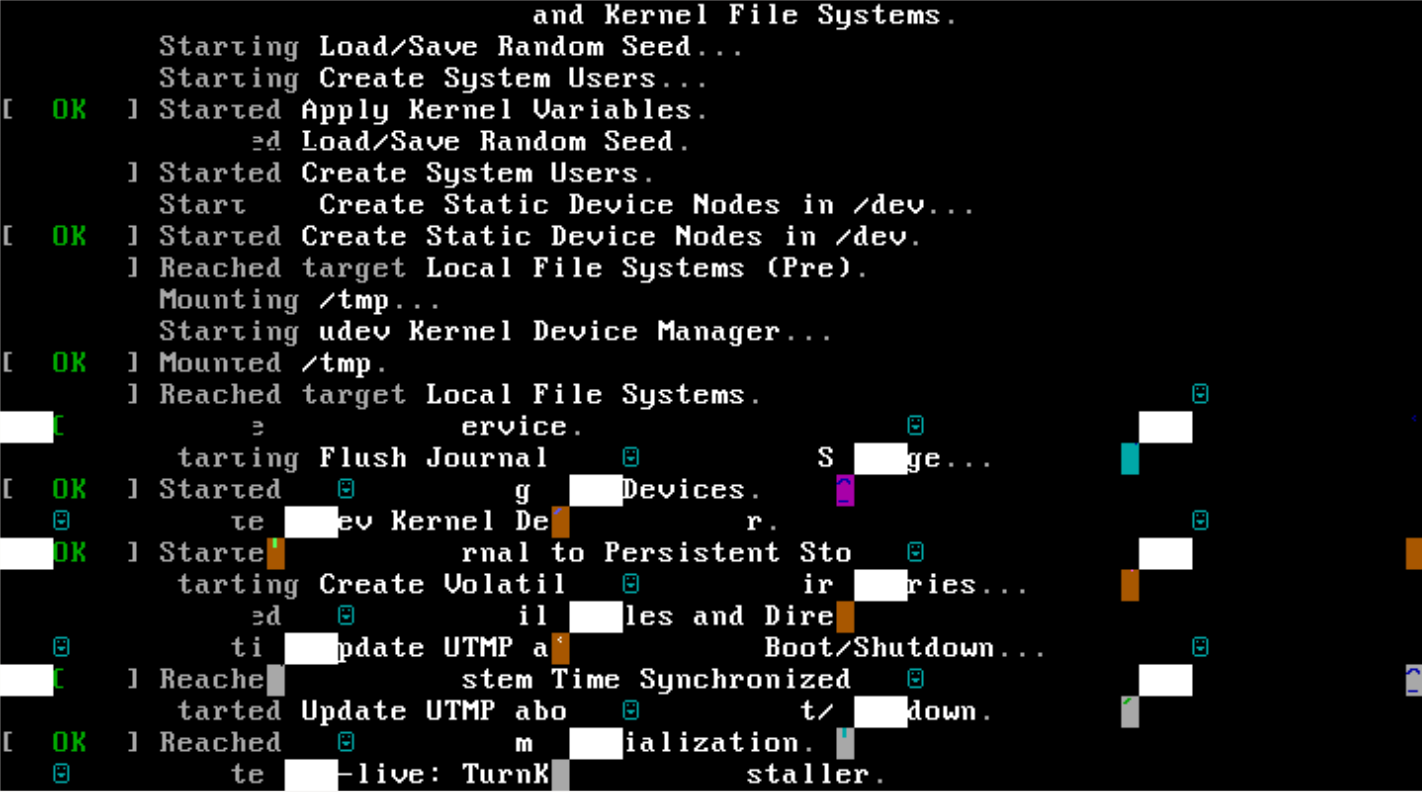
That is the glorious result when trying to install Mayan on a KVM VM. Reproducible, tried various CPU configs (host, kvm64). Machine hangs there, needs reset.

Richard van Dijk's picture

not all virtual IPs come up after reboot

Forum: 

I ran into some issues getting my static IPv4+IPv6 network configuration stable after a reboot on TurnKey Linux 16 using default settings and a Webmin generated /etc/network/interfaces. Each reboot, there is a chance that one or more virtual IPs don't come up in ifconfig, for example 3 out of 4 IPv6 addresses are missing, or interface eth0:1 with its IPv4 address is missing.

This is the original Webmin generated config that doesn't work reliably:

Ken's picture

cron.daily/confconsole-dehydrated problem

Forum: 

Hi everyone,

Few days ago i joined my site to Cloudflare .On Cloudflare, i set SSL/TLS encryption mode is Full (strict)

Today i got an email about cronjob daily

Richard van Dijk's picture

firewall changes not fully applied until reboot

Forum: 

Hi,

Changes made to firewall settings through Webmin in TKL16 are not fully applied until the next reboot. Is this a known issue?

For example: create a rule to accept a new TCP port, press Save, press Apply. Port is still inaccessible. Then reboot, now the port is accessible.

On the other hand, disabling an existing rule works without rebooting. I'm puzzled!

Daniel Rodriguez's picture

certification problem

Forum: 


Hello, as they are I greet you from Honduras CA, I have a problem that has broken my head and I need help please, install my own Moodle server and I have it under a public IP but when I redirect it to the domain I always get the connection is not private I have enabled SSL certificates but it does not work it will help me please in advance thank you very much

Pages