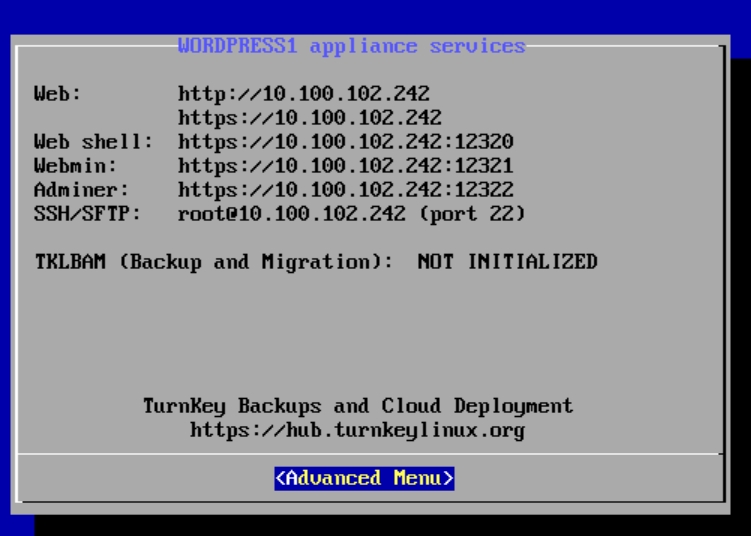
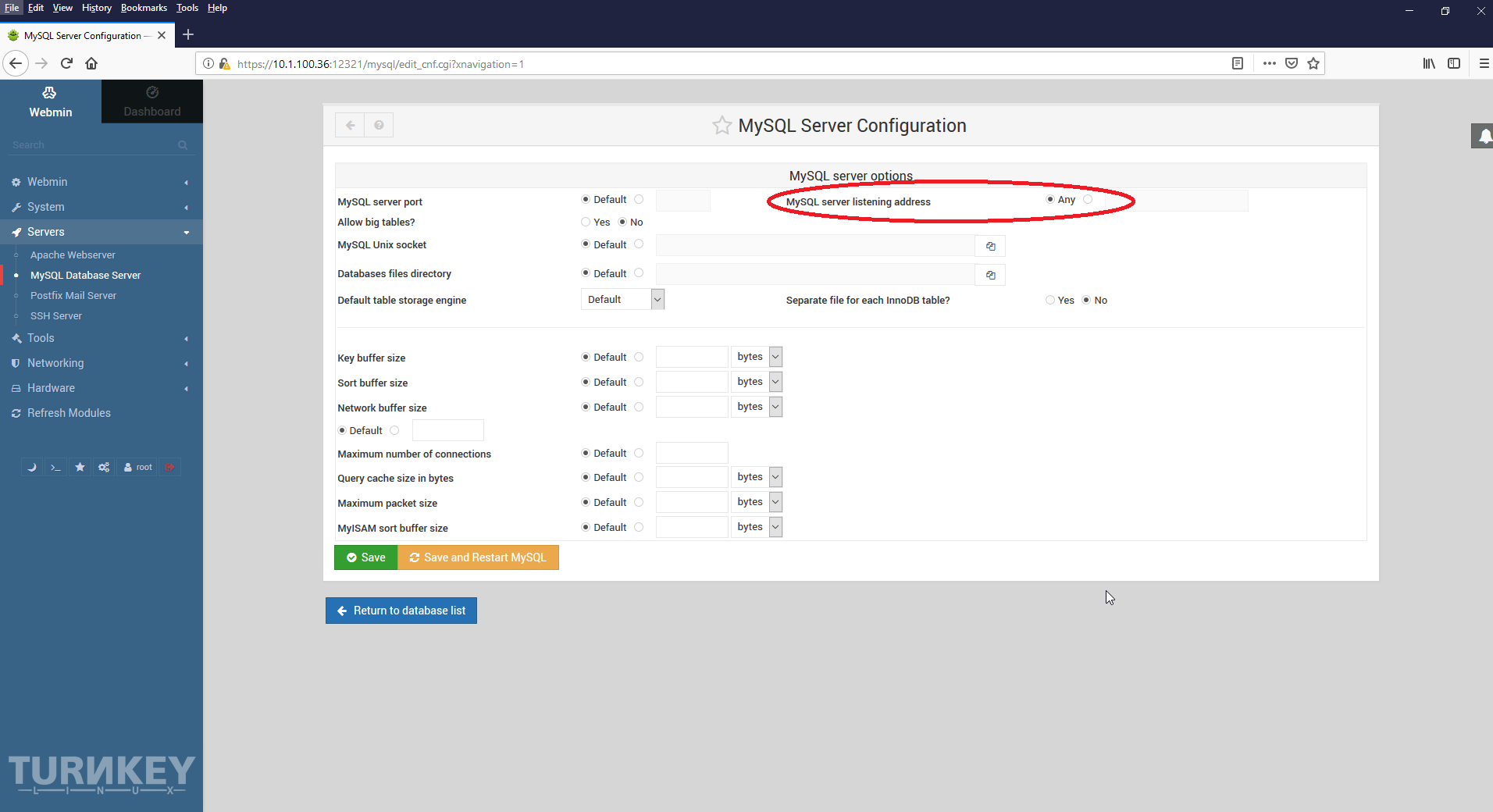
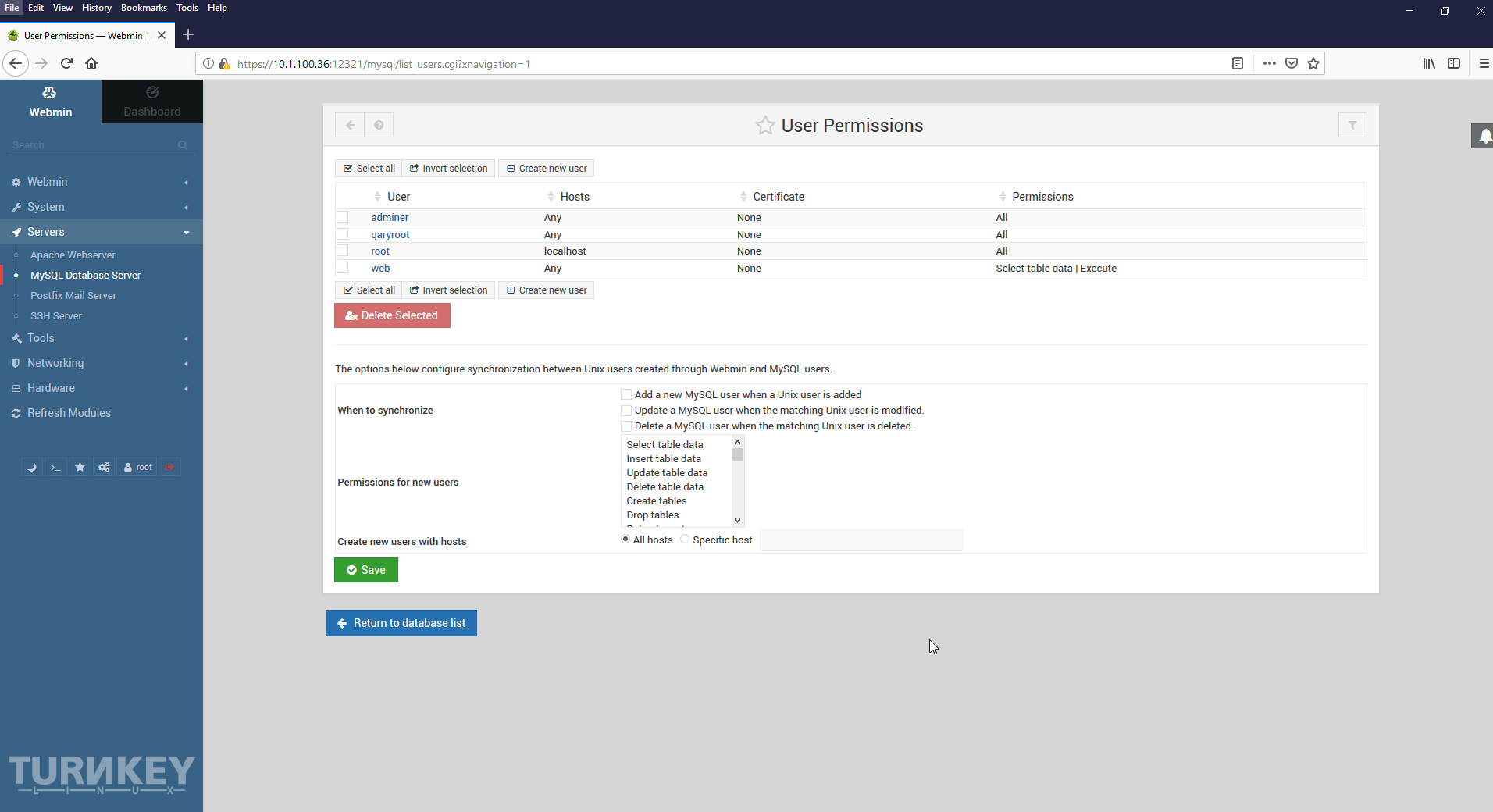
I'm Márcio, and i install a odoo appliance in virtualbox, this is for test porpose, i made the instalation of appliance, everythin ok, define the passwords on first run, and can login on webmin and adminer, but when i create a new database on odoo, i cant use that database, only the default odoo, but on webmin i see that the new database is created, how can i use the new database?
I wanted to activate extended status on my wordpress alliance so I can monitor what goes on with apache with a monitoring tool. After some reading I get on to trying to do this.
But it doesn't seem to work. I get a 404 when trying to acces /server-status om my site.
I should mention that I installed nginx as a reverse proxy because of the load on my VM although this shouldn't affect the apache logging and reporting
I have tried to post a new thread to the forum using Google Chrome for a few days. I tried from two Linux systems and a Windows laptop. All of them gave me an error about "Your hashcach string is not valid."
I was able to post replies to other threads not created by me, but I could not create my own new thread.
I finaly tried Firefox and I am able to post.
I removed Grammerly from Chrome, it is known to cause problems with some sites.
I have not looked at debugging the page in Chrome. Maybe later.
I am running TKL GitLab 14 in a Proxmox container. When trying to download a zip or tar(*) of a repository, it fails. I found a comment in the GitLab forum that suggests this was a very old bug and that it was fixed. This led me to upgrading, and I am doing that by source as directed by GitLab official documentation.
I suspect this is something with the TKL/Proxmox image and not a bug in GitLab because as I have journeyed through the land of major revisions, I have found no comfort. For the archive is alluding me.
I just discovered your excellent site and thank you for the richness of its content.
I went through your different categories and unless I'm mistaken I do not find what I need, for my project on virtualbox I look for an appliance with this:
Ubuntu 16.04.4 LTS or Debian Stretch avec PHP 7.2, MariaDB, Java or OpenJDK, ElasticSearch, memcached, Composer, Nginx
I saw your appliance "Nginx PHP FastCGI Server Configuration" but the php version is 7.0.