Installed the canvas-lms and logged in successfully, looked at sis imports via a remote curl command. I do this regular on other systems so confident my curl and p/k are correct.
The sis imports recognised that there is a batch to process but just sits there and doesnt process any batches.
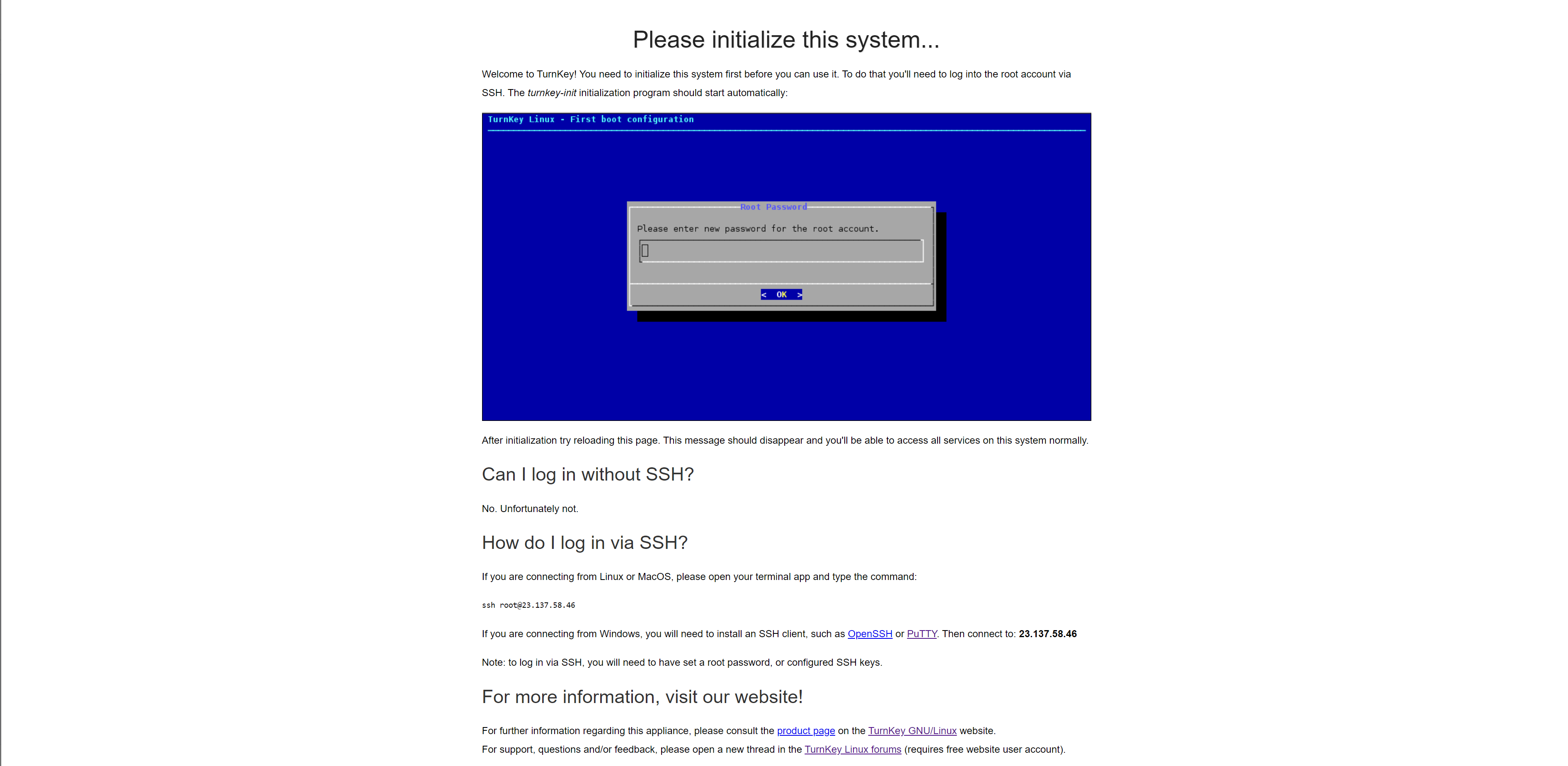
Tried the webadmin to kick the canvas_init start but get this:
I do evrethings to remove this page from the port 80 because I run nginx in docker so for the cert I need the port 80 but with this the port 80 is bing used,how I can remove it?
We have deployed ADC from OVF. At first, it did not start since type 2 vmdk is not compatible with SCSI controller. So changing scsi to ide solved this problem and adc powered up. However, when we try to migrate compute resource vm powers off itself and the disk becomes corrupted.
On the other hand, migration works if the vm is powered of at the beginning. I assume this is somehow related with disk type but could not verify that.
Ok, so this one isn't strictly a "How do I do X?" question itself. I'm hoping for some thoughts, suggestions, and discussion. And yes, some how-to's. So let's cover the network configuration real quick.
Router: pfsense- This router nominally serves three functions besides being the router/firewall for the network.