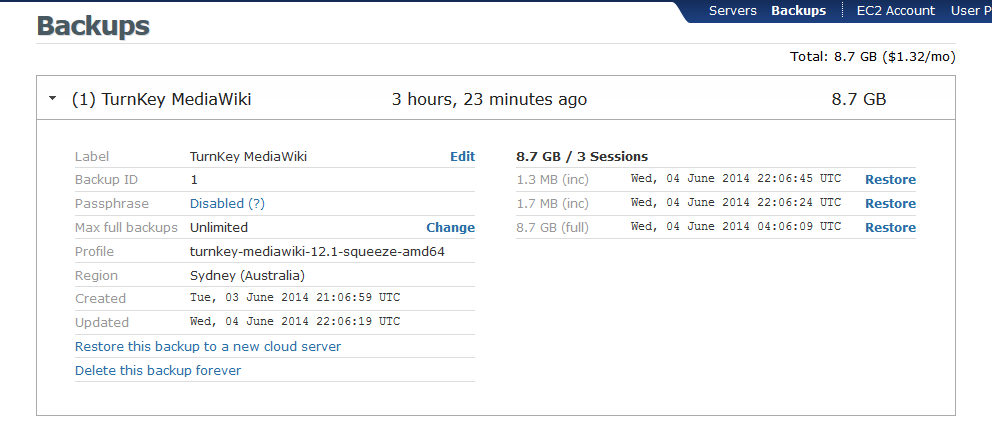
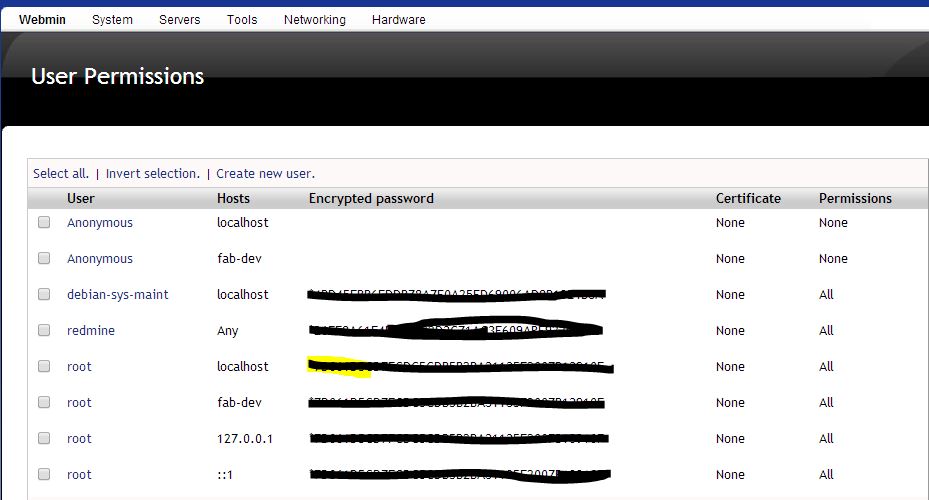
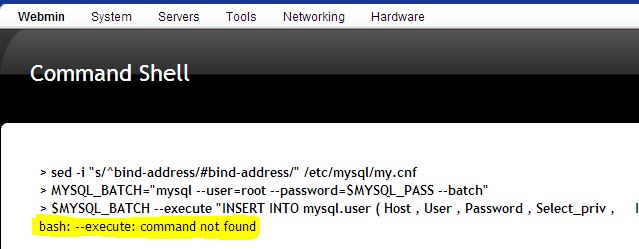
TKLBAM backup creation ends with the message: "Could not set backup end record GnuTLS recv error (-9): A TLS packet with unexpected length was received". This happens from both webmin and via SSH.
The backup is created but the TurnkeyLinux hub keeps showing "Backup in progress". This happens when running a full backup.
The restore of this backup doesn't fully process.
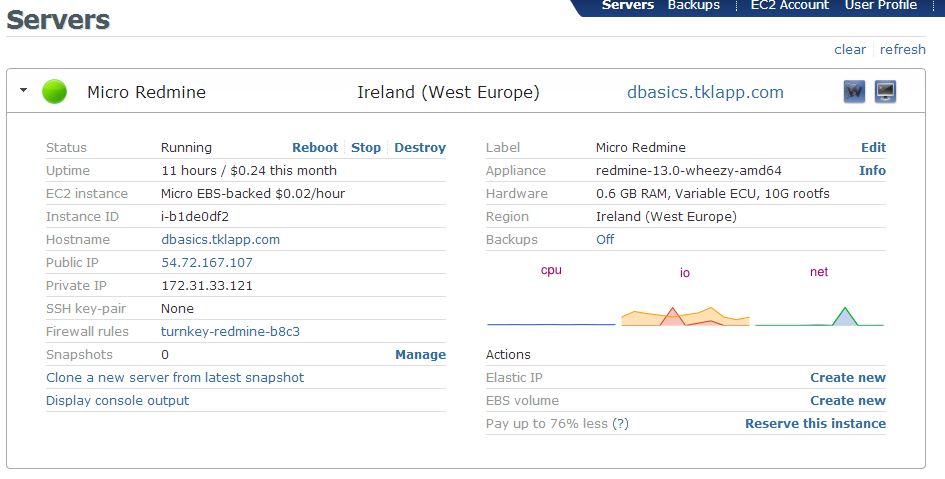
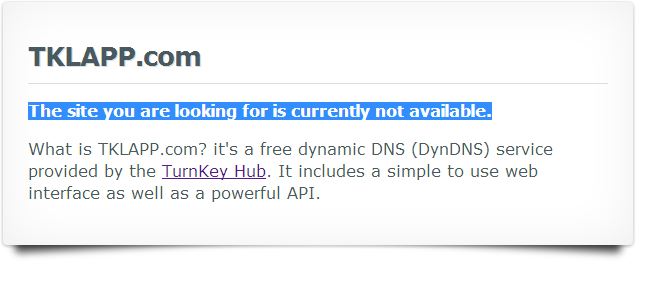
Hi all, I'm a bit confused about the hubdns which I believe is the name of Turnkey's DDNS?
I have it installed on my server (which is a dedicated box, now a virtual box). And I have read over the usage instructions so I'm fine there. I'm just confused about where I go to select a dns name.
I'm looking to run multiple virtual appliances on one Hyper-V host (Namely, wordpress, torrent server, and simpleinvoices). My goal is to have the following names point to the appliances:
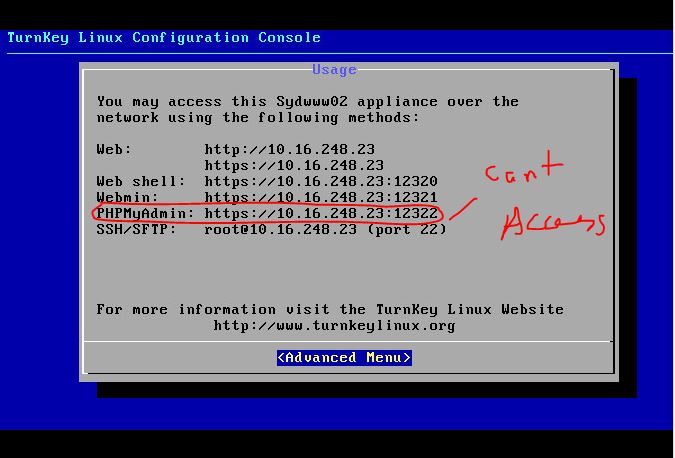
I have recently done a VMWARE 4.0 to 5.5 ESXI datacenter migration with veeam which included a turkey linux server that hosts our intranet. I am currently having some issues with the server trying to access the intranet.
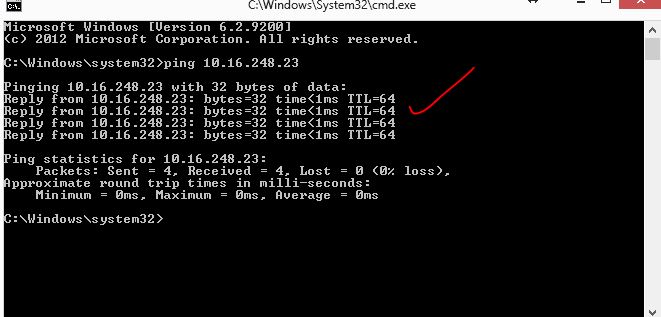
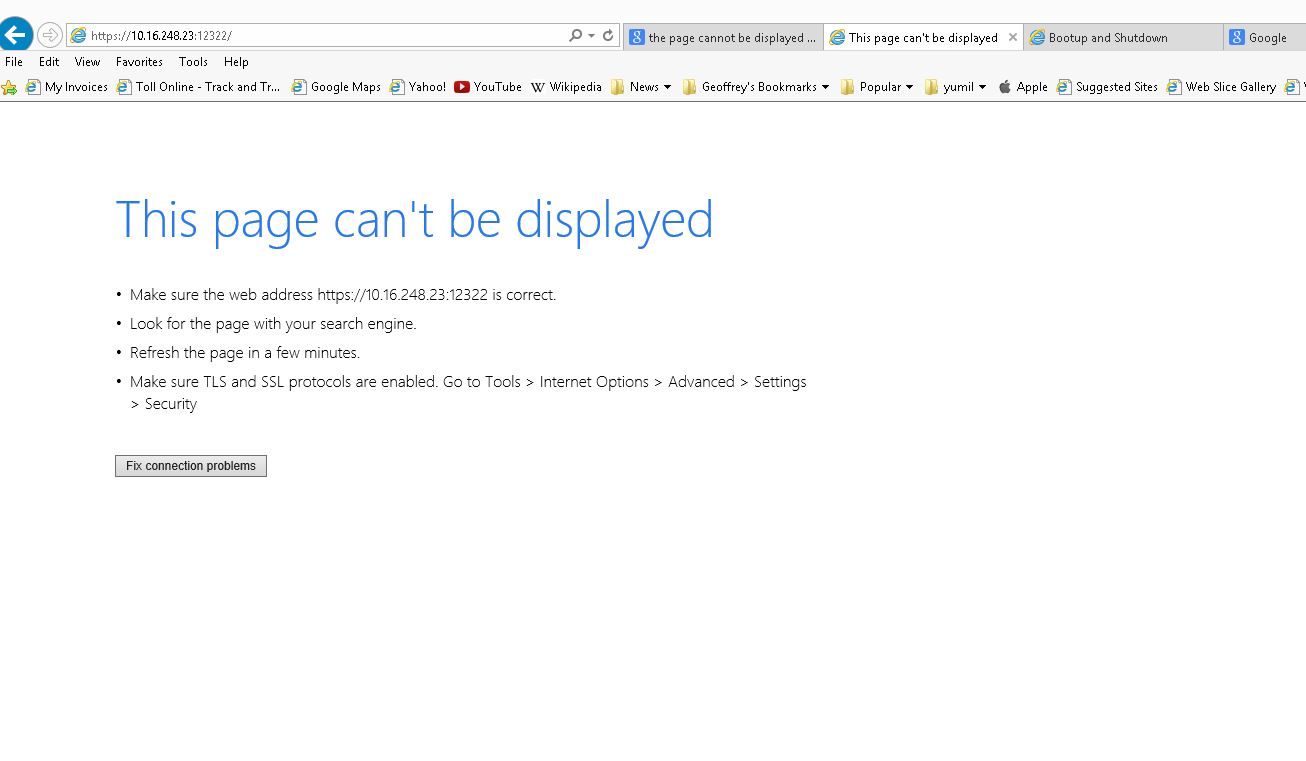
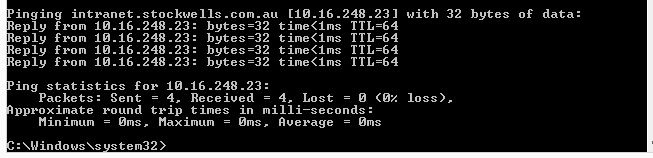
I can ping the server on 10.16.248.23 and can resolve the intranet dns which then resolves the correct IT, but are unable to access phpmyadmin page
Hello I have two turnkey machines that seem to be trying to access the same Amazon Backup service.
Machine One
turnkey-mediawiki-11.1-lucid-x86
Machine Two
turnkey-mediawiki-12.1-squeeze-amd64
Both these machines are virtual machines on the same server running VMWare ESXi or similar.
A long time ago I created an account through hub.turnkeylinux.org that accessed the Amazon S3 servers. I had to cancel things when Amazon/Turnkey decided to start charging $10/month minimum last year.
Is there a log where I can see what security updates have been applied? I'm just trying to confirm that the automatic updates are working. I see the cron job that appears to run them, but I can't seem to figure out a way to confirm updates have been installing.
hi everyone i am hoping for a bit of direction here, i've tried everything i can find that even closely relates to this.
i have a samba server that has shares that can be accessed from windows by simply typing \\192.168.1.1 in windows file explorer, its name has just been changed to fileserver1 and is in dns as fileserver1. it is also in the dns as fserver1. before the name change everything was fine.