The canvas AMI installtion continues to fail for us. We get ngnix errors when the system tries to install the certificate. Can we please be advised about how to resolve this?
Also if exiting during the installation process is there a way to resume the installation?
I've successfully installed NextCloud on Amazon EC2 through the TurnkeyLinux Marketplace app. I've been able to get everything setup and working, but want to change to a fully qualified domain (rather than the public IP).
Before I make the change, I'd like to make sure that I can edit the config.php to add new trusted domains.
Hi there, I've FINALLY gotten around to working on the "LEPP" (Linux+Nginx+PHP+PostgreSQL) appliance and my 'make' is blowing up.
I'm basically merging the LAPP appliance and the Nginx+PHP-fastcgi appliance. So I'm sure I've done something wrong. My guess would be because I removed Apache entirely in the new plan file, and Turnkey depends on Apache?
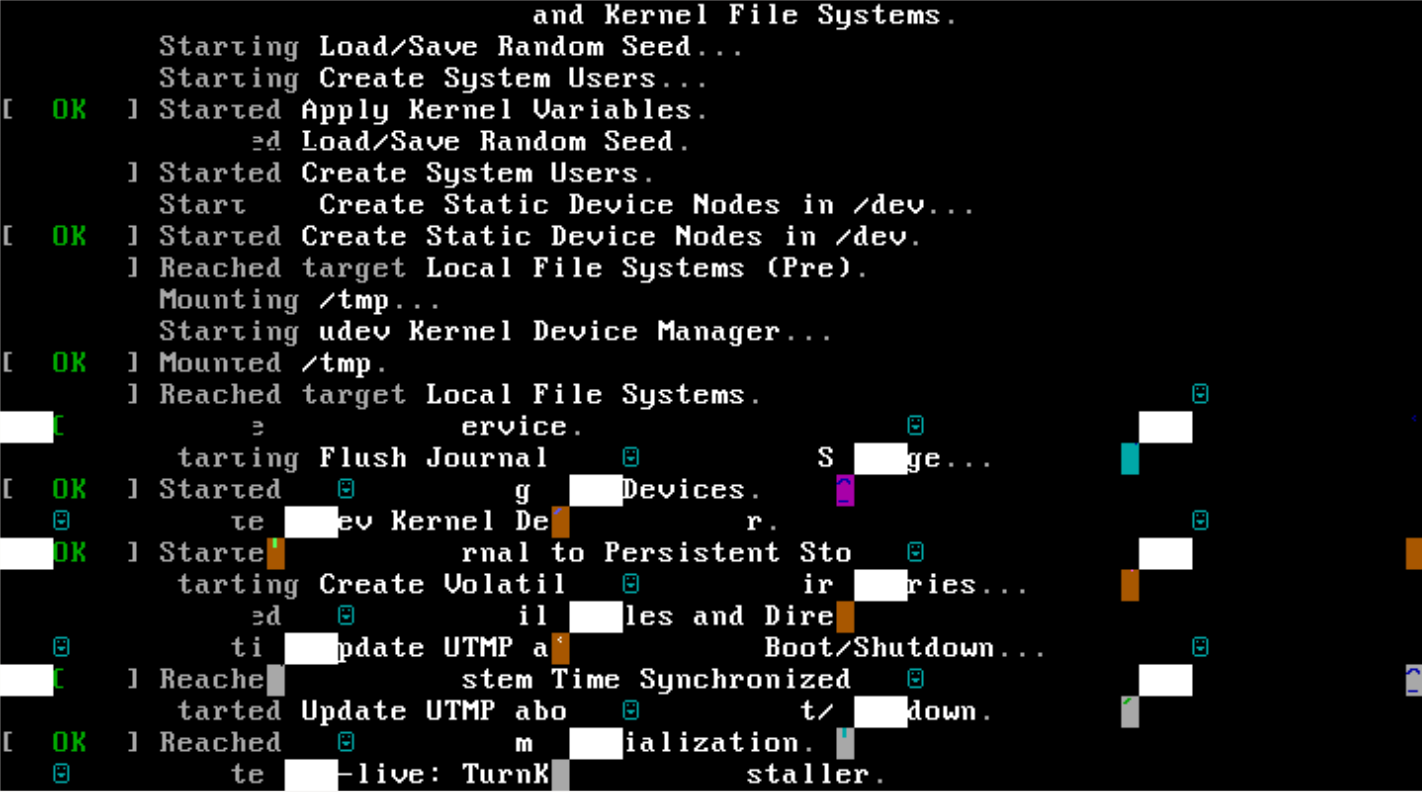
That is the glorious result when trying to install Mayan on a KVM VM. Reproducible, tried various CPU configs (host, kvm64). Machine hangs there, needs reset.
I ran into some issues getting my static IPv4+IPv6 network configuration stable after a reboot on TurnKey Linux 16 using default settings and a Webmin generated /etc/network/interfaces. Each reboot, there is a chance that one or more virtual IPs don't come up in ifconfig, for example 3 out of 4 IPv6 addresses are missing, or interface eth0:1 with its IPv4 address is missing.
This is the original Webmin generated config that doesn't work reliably:
Hello, as they are I greet you from Honduras CA, I have a problem that has broken my head and I need help please, install my own Moodle server and I have it under a public IP but when I redirect it to the domain I always get the connection is not private I have enabled SSL certificates but it does not work it will help me please in advance thank you very much
I need to generate a Let's Encrypt ssl certificate. From various online sources, I see that I can do that from the Advanced Configuration menu.
My problem is that I can't figure out how to get there. I see from various sources (https://www.turnkeylinux.org/docs/confconsole) that it shows up as an option in the standard Configuration Console panel - however, there is no "Advanced menu" when I start up my Wordpress appliance.