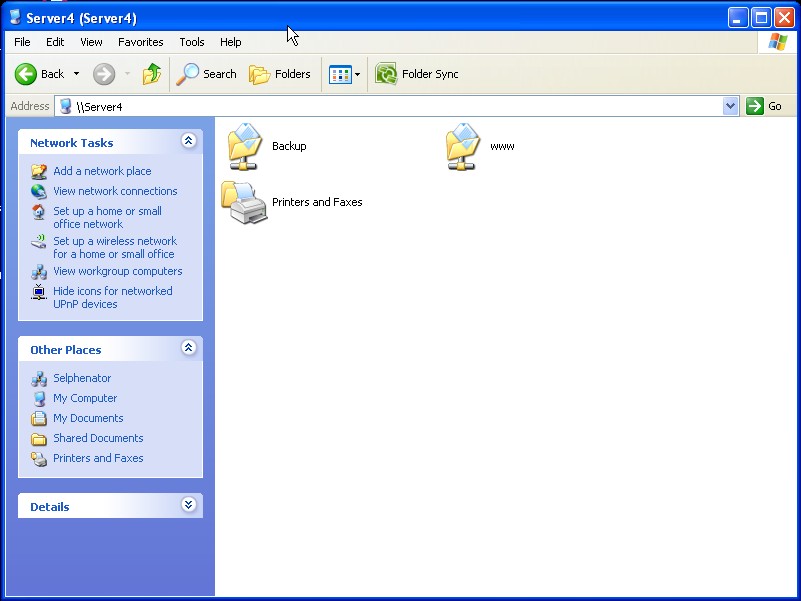
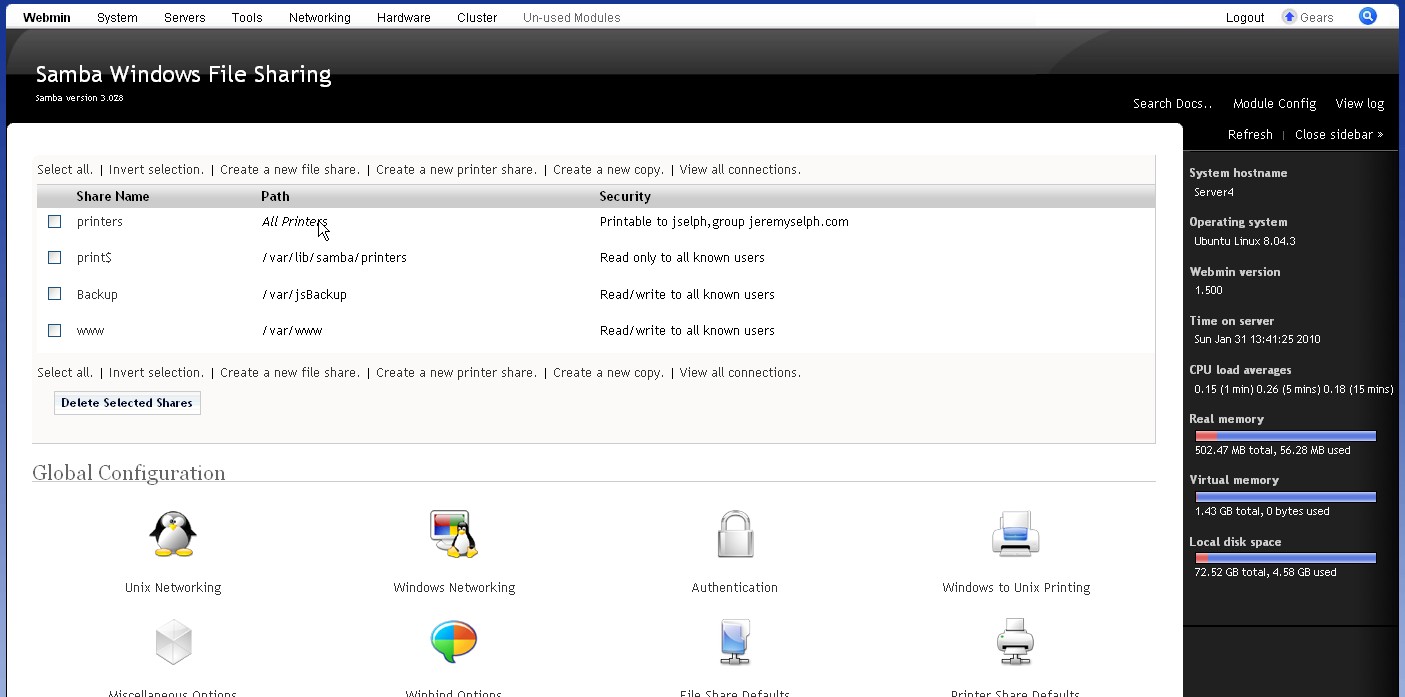
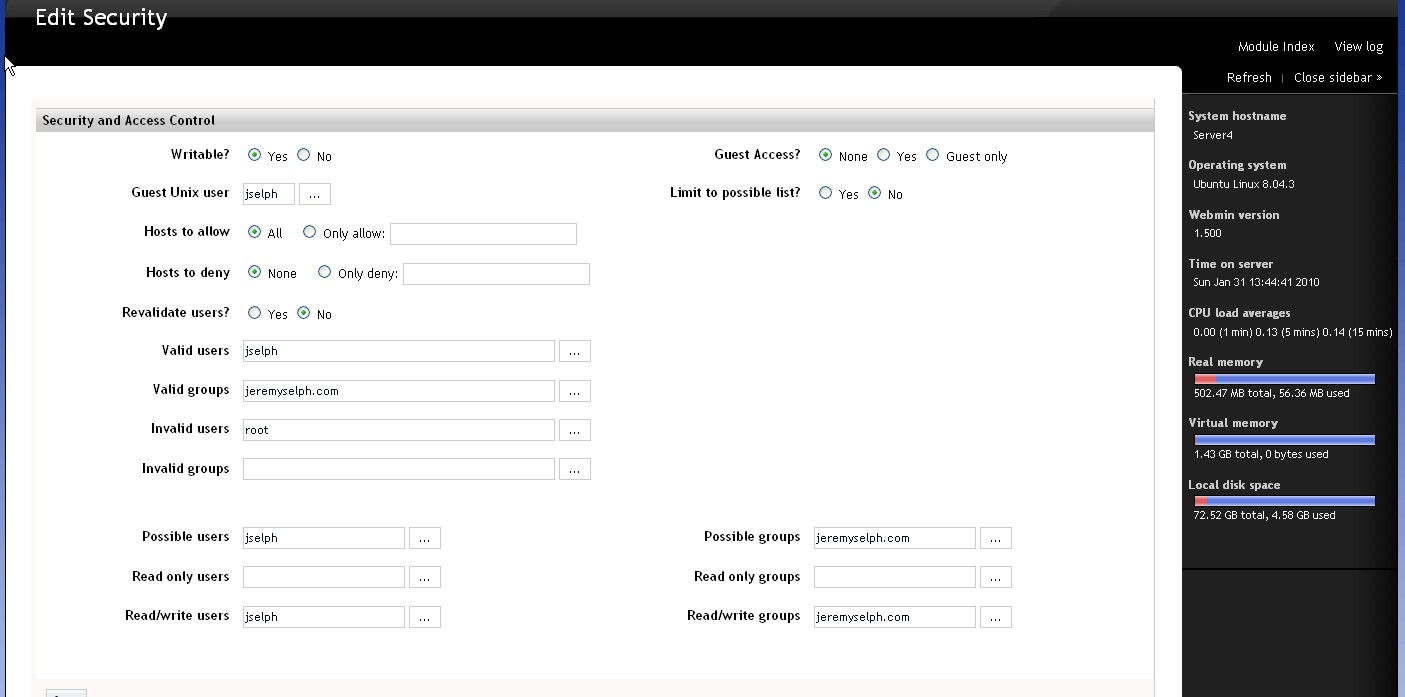
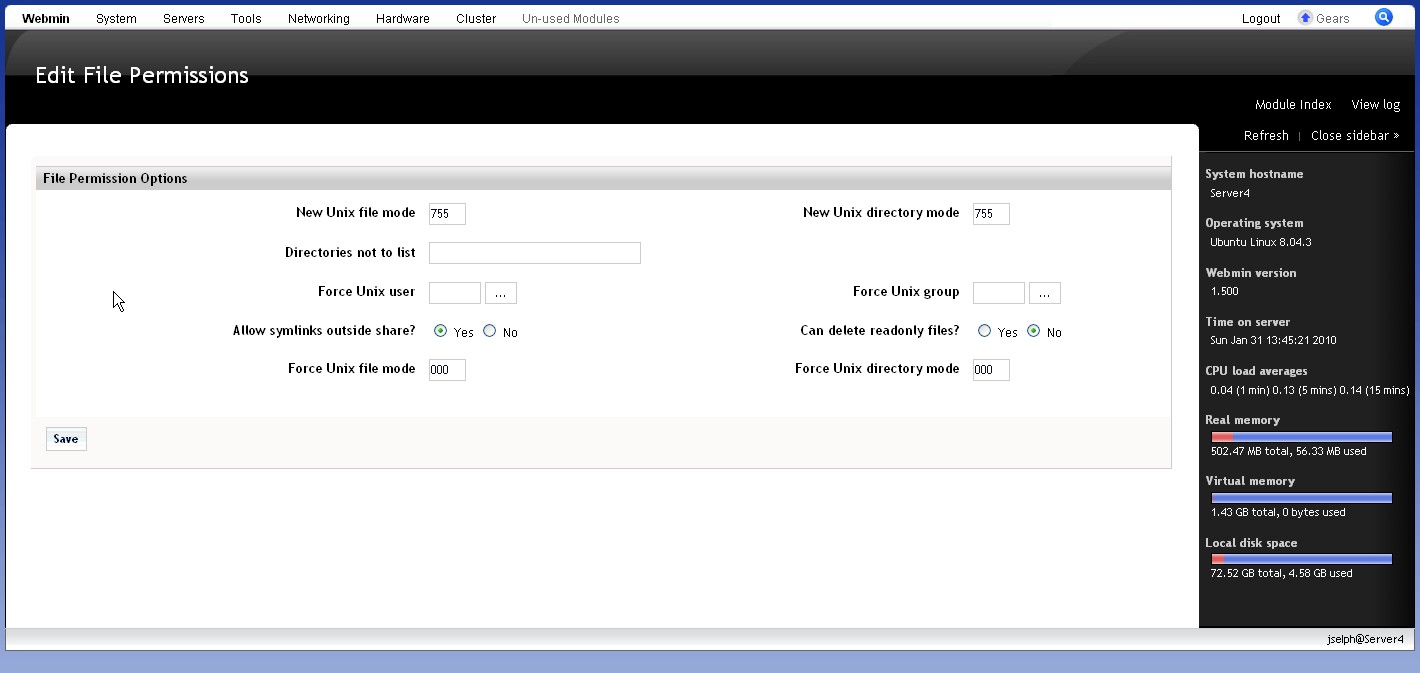
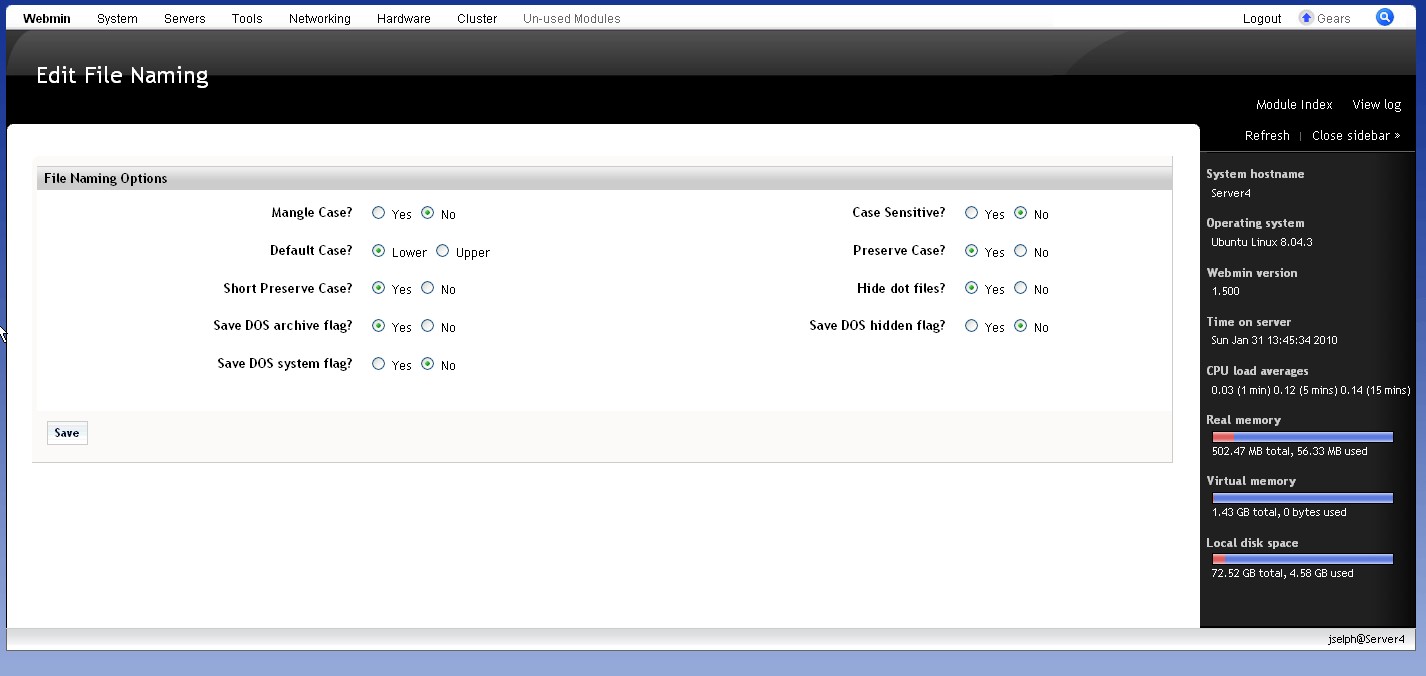
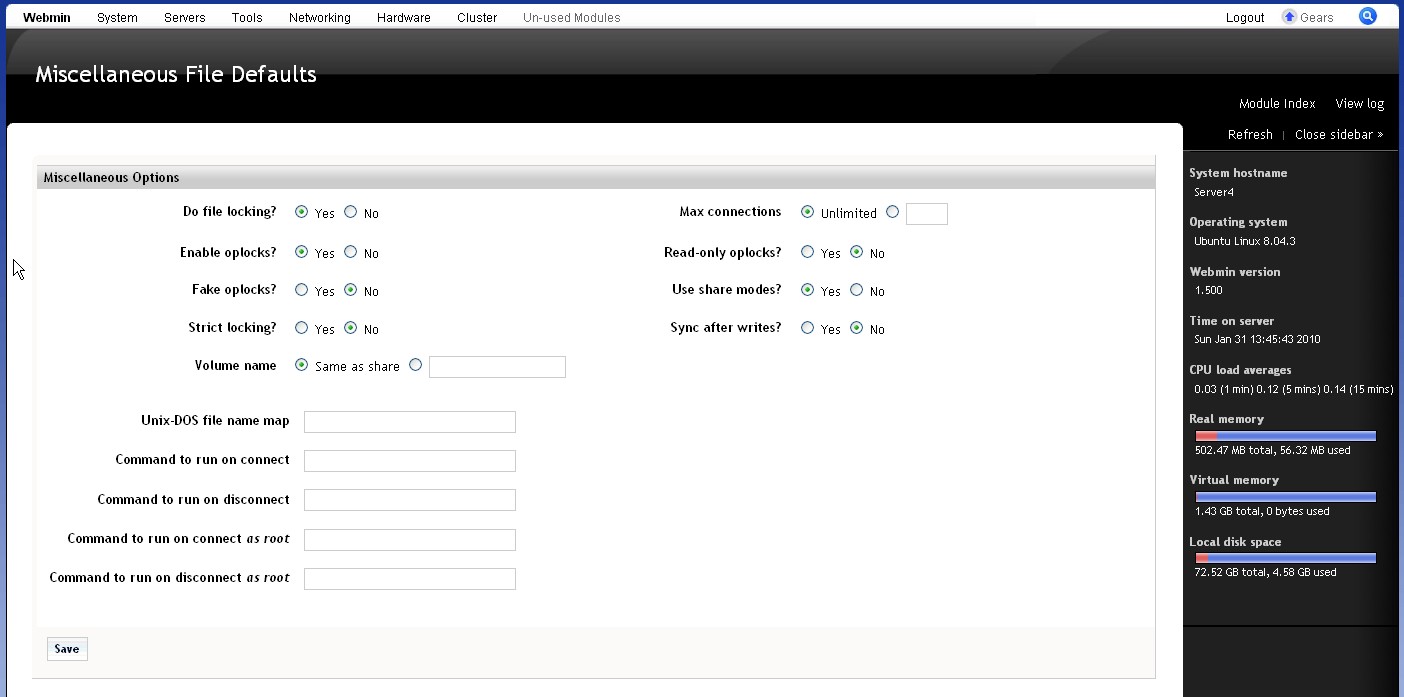
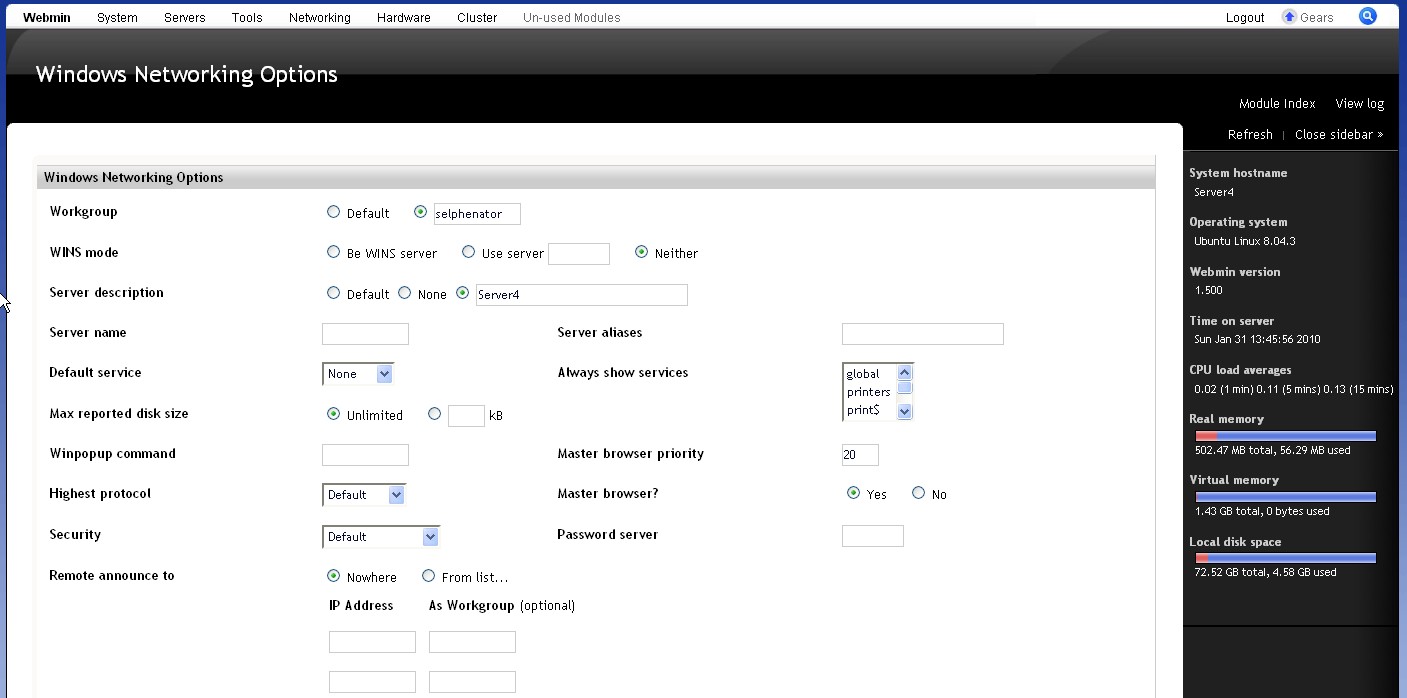
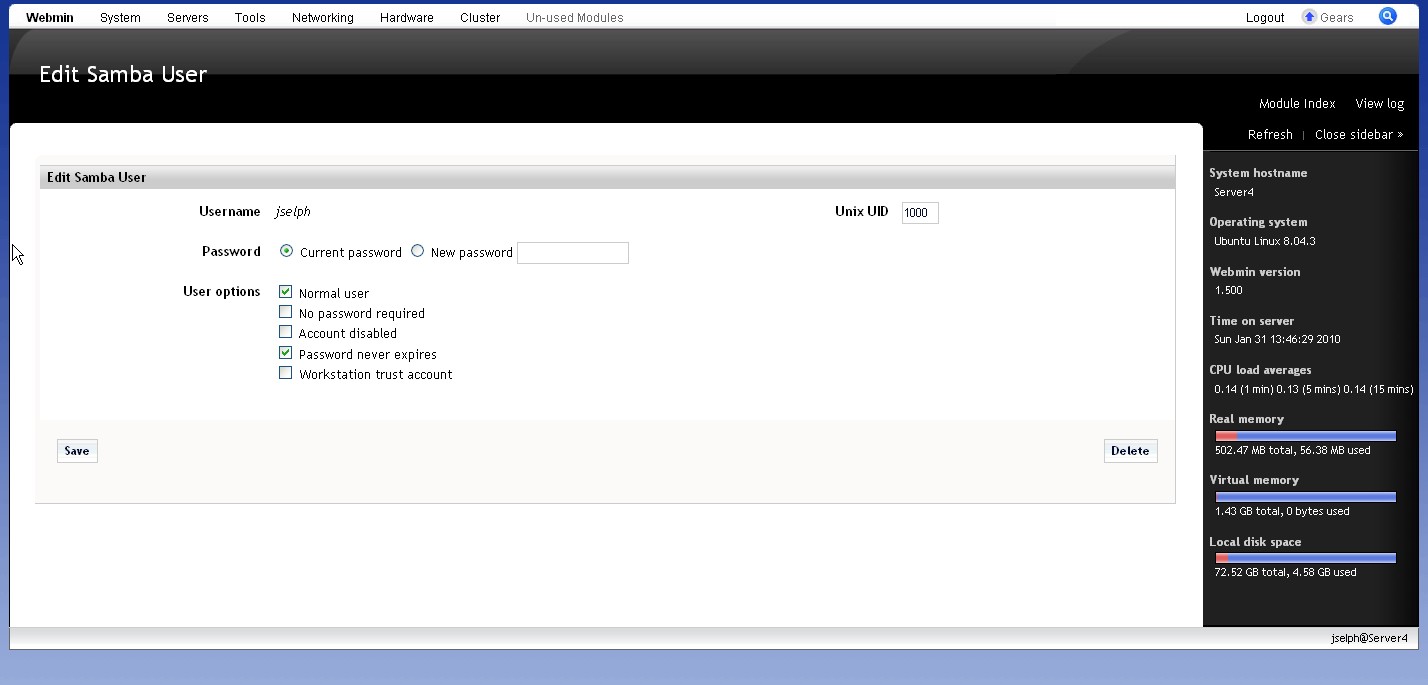
I installed the samba module form the webin and it seems to be working fine. I created 2 shares and cant seem to be able to login into them from windows. I see the shares but says I dont have permissions. I limited experience in linux so I am using the webmin for all configuration. I attached screenshots of what I have configured now. I did find out from another post that users and passwords for samba are separte so I all myself in samba as a user and still no luck. Help!!!!
Log file: Has my pc name as the file name but dont see errors pertaining to the shares.
Alltough sounds like a generic ubuntu issue I only have this behaviour with turnkey.
I'm testing a turnkey-core appliance and I've noticed that my custom /etc/syslog.conf is modified every week, My original syslog.conf is moved to syslog.conf.0 and instead I get an empty /etc/syslog.conf
I guess it has something with turnkey repositories and apt-cron for security updates.
How can I stop that and make my configuration files persistent?
I'm working on a very complex plugin for wordpress which a client requires.
I needed a local (internal nework) testbed which permitted me to use wordpress, and be able to update the plugin as I went along - after fighting with fedora for over a week (couldn't get wordpress to even install) I've decided to try this version - and wordpress is running.
What I need to know is how to set up the ftp to permit uploading to the wordpress installation.
Is there documentation here, or can someone please give some guidance?
I am moving my live joomla site from shared hosting our private server. Thanks for the great set up.
my current shared hosting joomla directory was renamed by me to /find/ during the install. but i didnt get the option to change it with the turnkey install.
1.Can you tell me how i change it after the fact. googled it with no results
I would like to capture the output of the installer to a file.
I use virt-install to install an appliance on my server. According to the man page:
 --nographics
   No graphical console will be allocated for the guest. Fully virtualized
   guests will need to have a text console configured on the first serial
   port in the guest (this can be done via the --extra-args option)
Probably a unbelievable newbie question but I am not able to figure it out with the help of documentation, forum, or wiki. (Be gentle guys it is my first own Linux server experience.)
I installed Joomla with APT via the web management interface (Webmin). According to the information on screen it was successful. It is unclear how to proceed. Joomla is not appearing in the menu’s of the webmin. Where can I find “Joomla”? Which URL do I have to use for the admin pages and the website itself.
I'm using turnkey bugzilla via EC2; I have instance up and running and using off line storage instance as well, I've run the ebs scripts, all is well.
Now I want to add a user and it doesn't work. My gut tells me it has to do with the etc/ linked to /vol/ as part of making the config data and such persistent using the separate storage instance.
Hello all, I am running Turnkey phpbb3 appliance at home on my workstation, its working fine except its not sending activation emails to users. I am behind a router and www and smtp ports are forwarded.