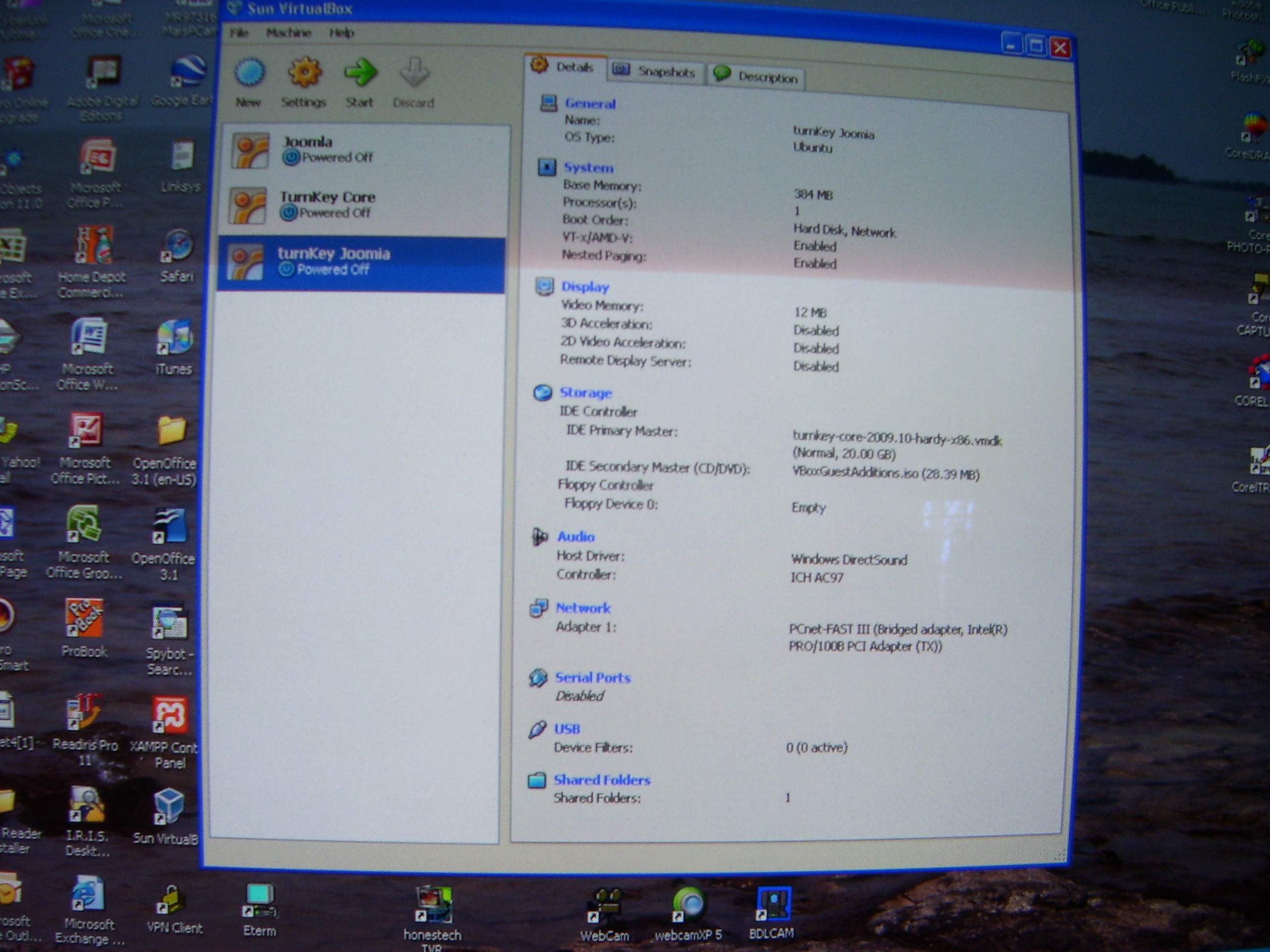
Thank You for your quick reply Jed & input on screenshots.
It might be best to start from scratch and do another install based on your recommendations. I also noticed that after setting up an account in TurnkeyLinux.org that there are additional appliances installations available which I have not yet tried.
Hi, I'm trying to upgrade subversion to 1.6.x but having a hell of a time. I can add backports to my sources.list and can upgrade to 1.5. I've been trying to download source files, but looks like 1.6 requires some apache dev files for APR integration. apt-get on hardy / tkl does not want to get these sources.
So bottom line, has anyone successfully upgraded subversion on their TKL vm to 1.6 on ubuntu hardy? and if so, could you post the steps on how you did it?
I'm moderately knowledgable linux user but new to apache, CMS and web design. I've installed the Turnkey Joomla appliance to teach my self Joomls and that side of it is progressing slowly. However, I've gone looking within the appliance file system for the website I've created, eventually I'll need to upload it to the ISP, and can't find it.
Places Iv'e looked:
/var/www :only the apache "it's working" file.
/home :it's completely empty
/usr/share/joomla15 :lots of other stuff but nothing I can idenify as my site
I am unable to get the Turnkey Joomla using Virtualbox up and running. When launching from the Virtualbox it starts to look at the DVD & CD rom to boot and this version of VM 3.1.4 does not allow for selecting the items your instructions is asking for. Please see attached pictures of my screen.
Any assistance you can provide would be appreciated.
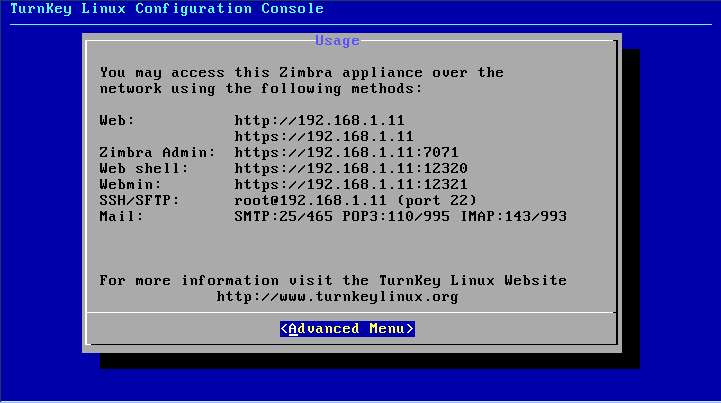
I am using a Zimbra appliance on a Windows Home Server, set up to start automatically when the home server starts. The only fly in the ointment is that on startup, the appliance wants me to make choices on the Turnkey Linux Configuration Console before moving on to start the Zimbra processes.
How can I stop the console from starting (i.e. I am happy with the configuration), so that the server can start up without my manual intervention?
I would like to know if it is possible to link the email system with the domain controller so that the user only has to remember one password and all accounts are managed via the domain controller for the email.
So every domain user automaticly has an email address setup for them when we add a user on the domain?
I'm trying to install LAMP in an old laptop. When run as a live CD it works perfectly but, when I install it on disk, then it fails to start. Grub just freezes before even showing the menu.
I used SystemRescueCD to have a look into the filesystem and everything seems ok. However, when I test grub with this command: