Hi, when I tried to install the latest turnkey on a self builded computer with silicon raid I get this error message when I start up the installer. first its loading and second I get this.
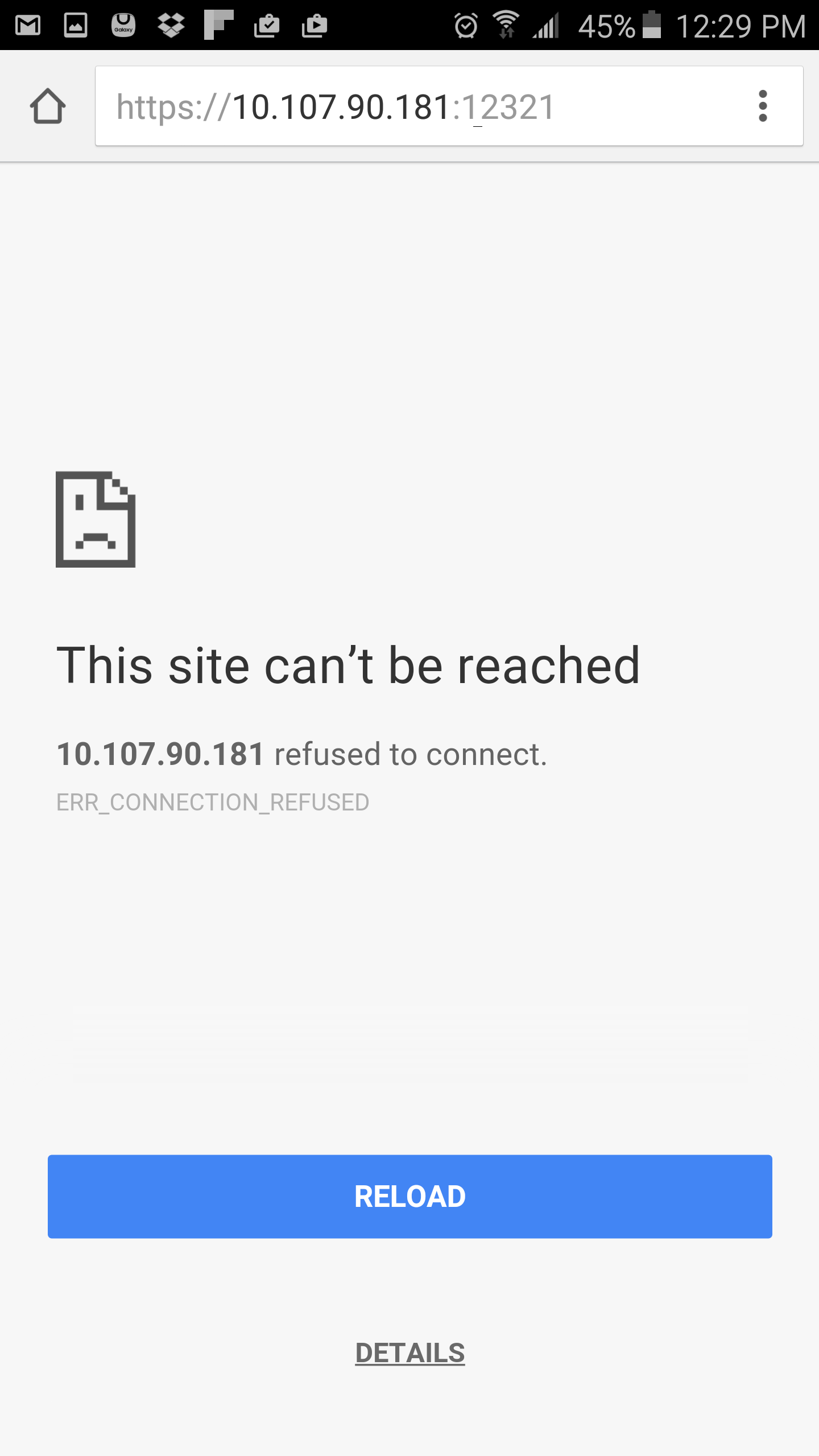
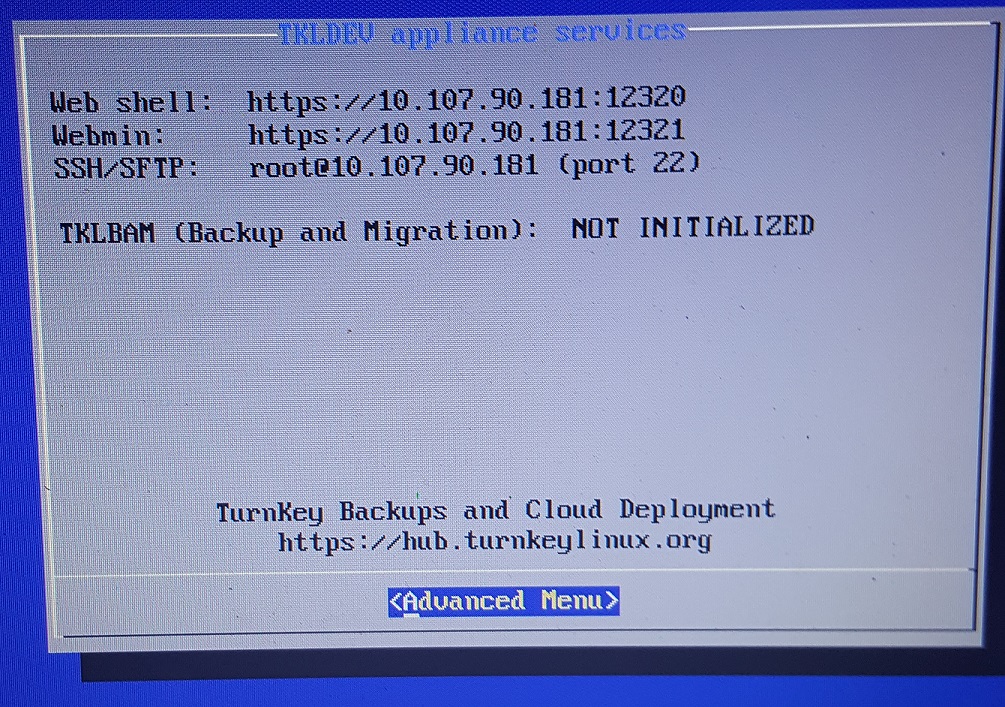
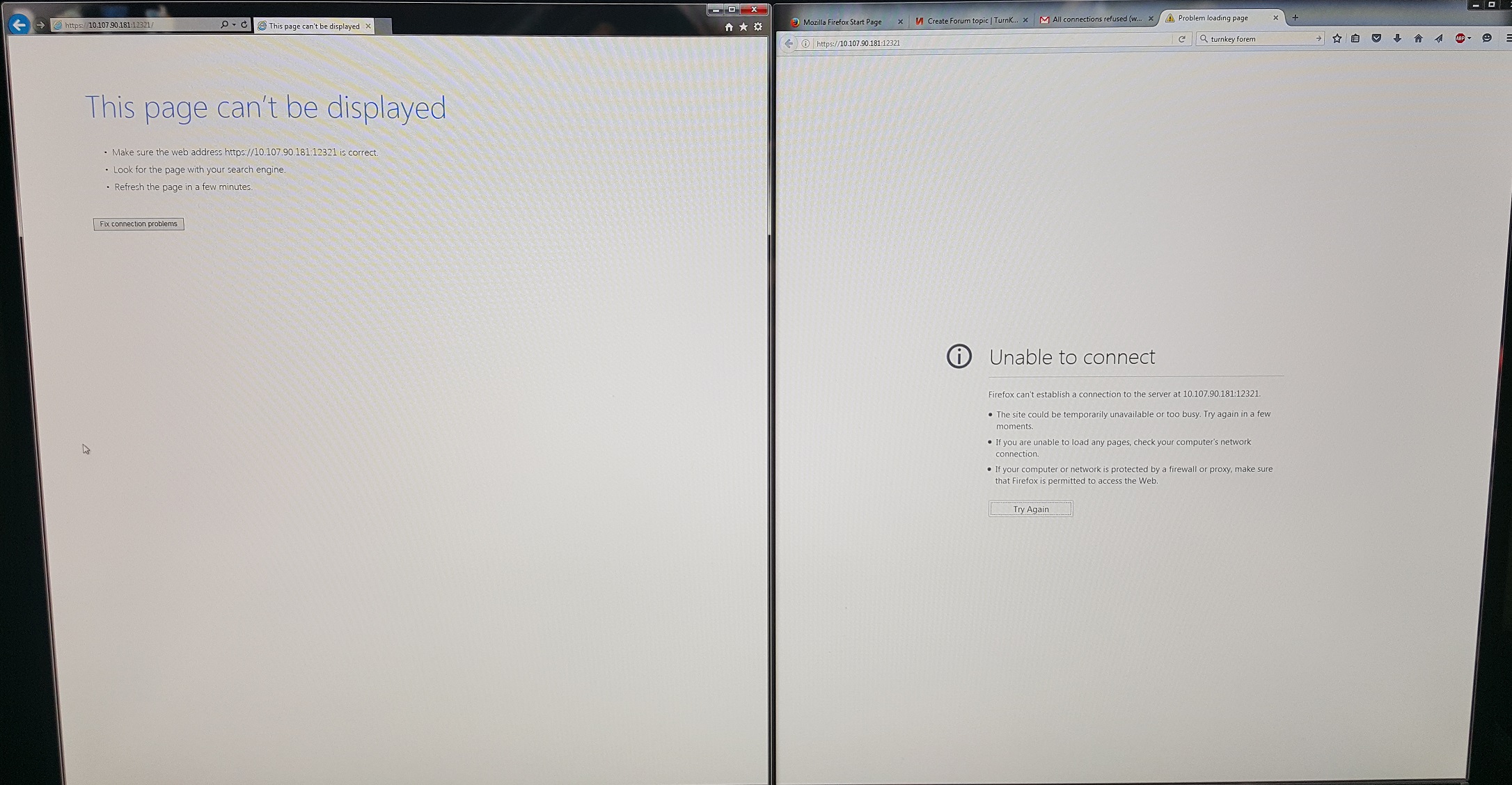
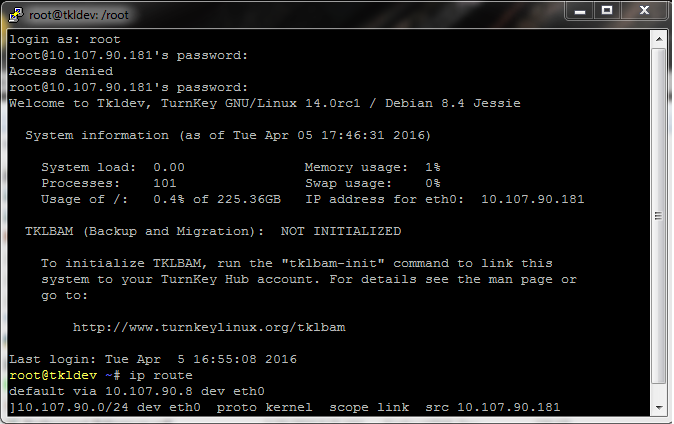
I already have a turnkey owncloud,samba, etc server running on a raspberry pi 2. it has been running great for over a year now. I decided to make a media server for my father in law using an old HP G62 laptop. I have successfully installed the system and received the standard turnkey confconsole menu. However, when I try to access any service to begin setting things up, all connections are refused. I have already pinged the server from multiple computers and all are succesful. I havent refused any certificates and I have already tried using http and https but nothing works.
We have a Redmin appliance that has been running for a while. Linux version 10.04.01 and webmin version 1.520. We use it to share architectural bid documents with the contractors bidding on our projects so our usage level varies from week to week but is never extremely high.
I have just installed LAMP stack v14. All seems OK. I see the control panel when I point my browser to the vm. However, scripts in /var/www/cgi-bin (including your test.pl) are not being executed- I just see the source code. They are executable, they execute if I simply run them as ./test.pl.
How do i go about installing a 3rd party app with the Owncloud Appliance. I looked in the var/www/ directory but i dont see an owncloud directory. ? any help would be appricated.
I am trying to install Confconsole on 32 bit debian jessie. It installs ok, but doesn't start as root normaly at boot time. There is some error about LSB:
root@home:~# systemctl -l status confconsole.service
● confconsole.service - LSB: Starts confconsole at boot time
Loaded: loaded (/etc/init.d/confconsole)
Active: failed (Result: exit-code) since Sat 2016-03-26 23:01:58 EET; 11min ago
Process: 428 ExecStart=/etc/init.d/confconsole start (code=exited, status=1/FAILURE)
I have a new Wordpress appliance install and not very familiar with Linux or Wordpress. I need to unzip some files on the server via PHP. I get this error returned.
Error #224834. This directory, `/var/www/wordpress/`, is not write enabled according to the server. Please verify proper write permissions to continue. If this persists, contact your web hosting provider and tell them that is_writable("/var/www/wordpress/") returns FALSE in PHP.
Presumably I need to change owner of that folder so that root can write to it? I can't figure out how to do that.
I just want to run Turnkey 13.0-wheezy as live. My computers BIOS have problem with USB keyboard, PS2 ports seems died. I edited "burned" USB key: /isolinux/menu.cfg - set default option to live. It doesn't work. What should I do to start with Live option? Thanks in advance.