My server is clearly affected by the heartbleed bug (basic LAMP appliance) but I see no security changes at all. How do I fix this since the fixes are the responsibility of Turnkey? I checked the logs and even rebooted the server but I am still shown as vulnerable. There isn't much here anyone would want to steal but how can I trust the security of the appliance if the single biggest issue in the history of Linux seems to have no fixes?
I have a LAPP virtual appliance in service for last 2 years, with no previous issues.
I was performing an update (due to the recent SSL security warnings) and after the apt-get update, then a system reboot - I am getting hosed with:
Turnkey Linux - First boot configuration (WTF??!!)
Is there a way to bypass this so I don't tank my existing server? I have valuable data there (yes, yes, I know I should have current backup, but I have never had a basic update kill me before)
Version “11.3” of “vTiger CRM - Customer Relationship Management provided by TurnKey Linux” has a potential security vulnerability. This potential vulnerability is related to the version of PHP and vTiger CRM included in the AMI.
You may continue using the "11.3", however, it is recommended that you mitigate the issue by doing one of the following:
I'm curious if there is a recommended procedure for dealing with the Heartbleed OpenSSL bug http://heartbleed.com/?
When I first heard of the problem last evening, I immediately took steps to shut off all SSL and SSH access from outside my firewall until I'm sure that my internal servers and clients are protected. I then turned my attention to my web server which is running turnkey-drupal7-13.0-wheezy-amd64. I was under the impression that security updates were being applied daily.
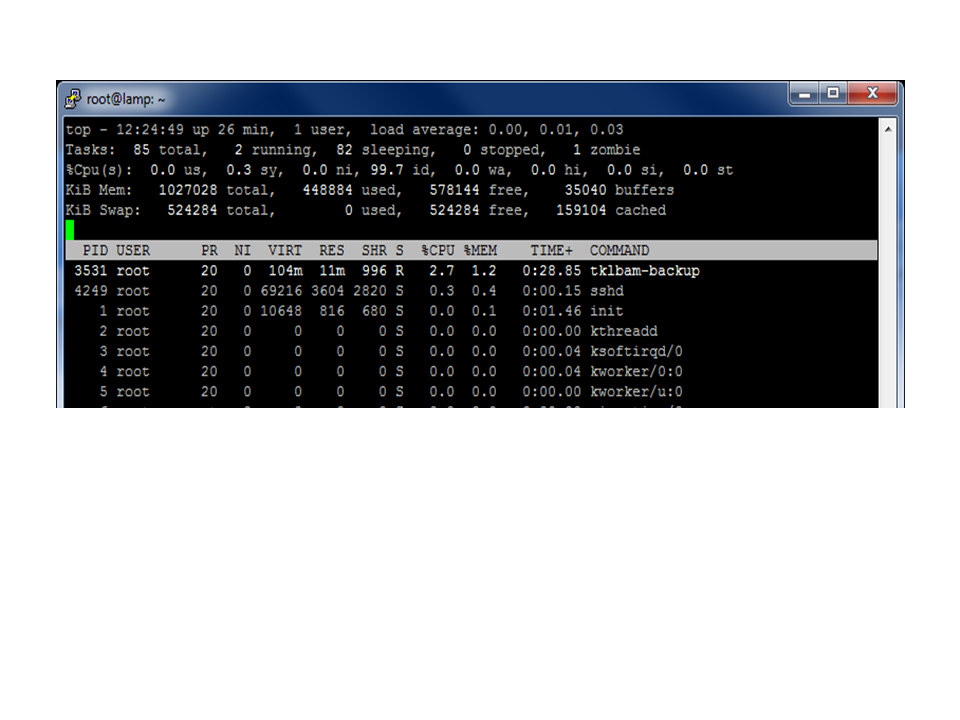
I didn't want to flag this as a bug in the issue tracker at this time because I was initially wondering if anyone had TKLBAM hanging problems before on initial backup after a fresh appliance install and configuration and how you might have fixed it. I'm not looking for support or grunty debugging guidance, that's on my shoulders, I'm really looking to benefit from any existing wisdom on the subject based on knowledge of TKLBAM or having experienced this problem.