I installed moodle turnkey version 14. Then I migrated moodle and the ldap settings are not working. The old server is installed with version 13 and there same ldap settings are working fine. I also tried to input ldap settings in the existing default moodle instllation on new server(14), but i get the same error. Please help.
LDAP-module cannot connect to any servers: Server: 'ip:3268', Connection: '', Bind result:
I noticed in changelog for V14:
- Includes support for authentication via ldap (convenience).
I installed Version 14.0 LAMP Stack on a MS Hyper-V-Cluster.
Then transferred an existing phpBB-board and updated it to the latest version (3.1.6). Everything works fine except for the connection to my smtp-server (which is supposed to send the e-mails from the board). Tried different ones with different settings (ports, auth method etc), got none working...
The failure logs in my board (below) show, that the connection to the server is established but when it comes to some TLS stuff something goes wrong with the connection and it breaks...
Hi. I've just installed the latest mediaWiki vm, which is running under VMWare Player. I've been through the initial steps that setup passwords etc and am faced with the MediaWiki Appliance Services menu within the Turnkey Linux Configuration Console. I'd like to do something more ! I presume that I should just be able to copy each of the URLs into my browser and start doing stuff - is that right ? I've tried this, but although I can ping the IP address, my browser (IE v 11) won't connect. Any suggestions would be very welcome.
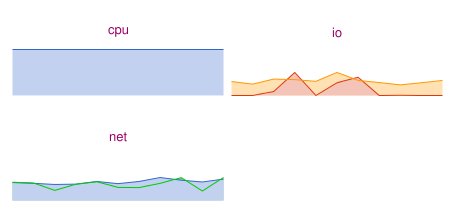
I started a new server and ran moodle on it, but it jumped to 100% cpu usage and has been that way since. I tried rebooting the server to no avail, and also stopping the server and restarting it as was suggested in previous similar forum suggestions. Any thoughts?
I was attempting to resolve my "OTRS Scheduler" issue within my other post (here) and as I was browsing around Webmin, I went into MySQL and changed the IP Address from 127.0.0.1 to the Appliance IP Address (assuming this wouldnt break anything).
After I hit SAVE, it indicated that the permissions bound to 127.0.0.1 were lost and that I had to reauthenticate credentials to MySQL to proceed with the changes.
Does TKL support the lighttpd simple_vhost module? How do I install it? Sorry, I am new to the Debian platform, so do I need to add repos, or does that violate the support for TKL? Some distros are strict about this kind of thing, others not, so I don't want to make a move until I know one way or the other.