My espocrm webgui is showing there's an upgrade available.
I get the following:
# runuser -l www-data -s /bin/bash -c "cd /var/www/espocrm && php command.php upgrade -y"
Current version is 7.2.7.
This may take a while. Do not close the terminal.
Downloading...
Error: Your PHP version (7.4.33) is not supported. Required version: >=8.0.0 <8.3.0.
How can I fix this? Would upgrading PHP work or are there multiple steps?
I've done a Turnkey/Core install and then put MySQL on it.
The MySQL database isn't being backed up through tklbam-backup even though it's configured to run database backups. I can only assume that this is a permissions issue.
I've gone through the docs and there is no mention anywhere (at least, anywhere I can see) that mentions how MySQL authentication is managed and configured.
So, how do I configure tklbam-backup to backup my MySQL instance?
OTRS seems to be version "6.0.x git LTS", but I can't find any information about when/how/if it is ever updated., or even which subversion is currently installed.
The page at https://www.znuny.org/en/roadmap indicates that 6.0.x will reach end of life when 6.5 is released (was originally expected 2022-12-31, so probably now imminent).
We appear to be having the following problem with every single one of the Turnkey appliances that we currently run, in VMware, and using VMware's "Web Console" to interact with the appliances. We are using v. 16 OVA files (I can't remember if they're 16.0, 16.1 or 16.2, but I can check if you need to know), and we are using v. 17.1 ISO files with Debian's "open-vm-tools" package installed.
I am running Turnkey File Server 17.* as an LXC container on Proxmox 7.3-4. I am using self-signed certificates from a CA running a pfsense appliance. I am trying to add SSL certs but have not been able to get things to work. Based on information I found elsewhere, I ran the following commands on the file server:
I've created an EC2 instance with Turnkey Wireguard VPN image provided in AWS marketplace.
Ran the initial setup connecting to it with SSH. Wasn't sure what to enter for CIDR so entered private IP of server itself. Then connected to web interface to see the admin panel, opened the console from there to start Wireguard client setup as explained here.
At this point when I run the command wireguard-addclient client-name-here 0.0.0.0/0 I get this message:
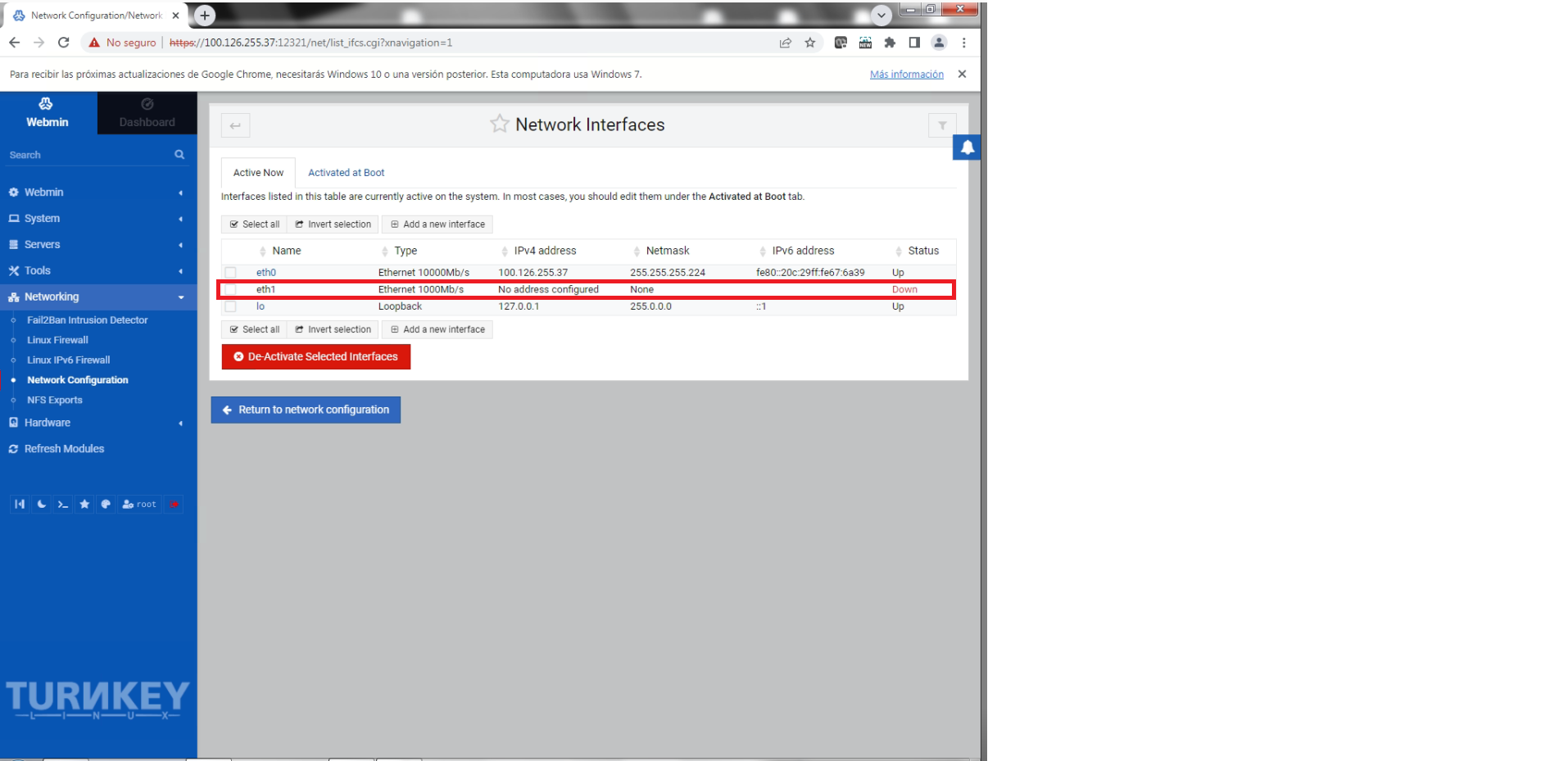
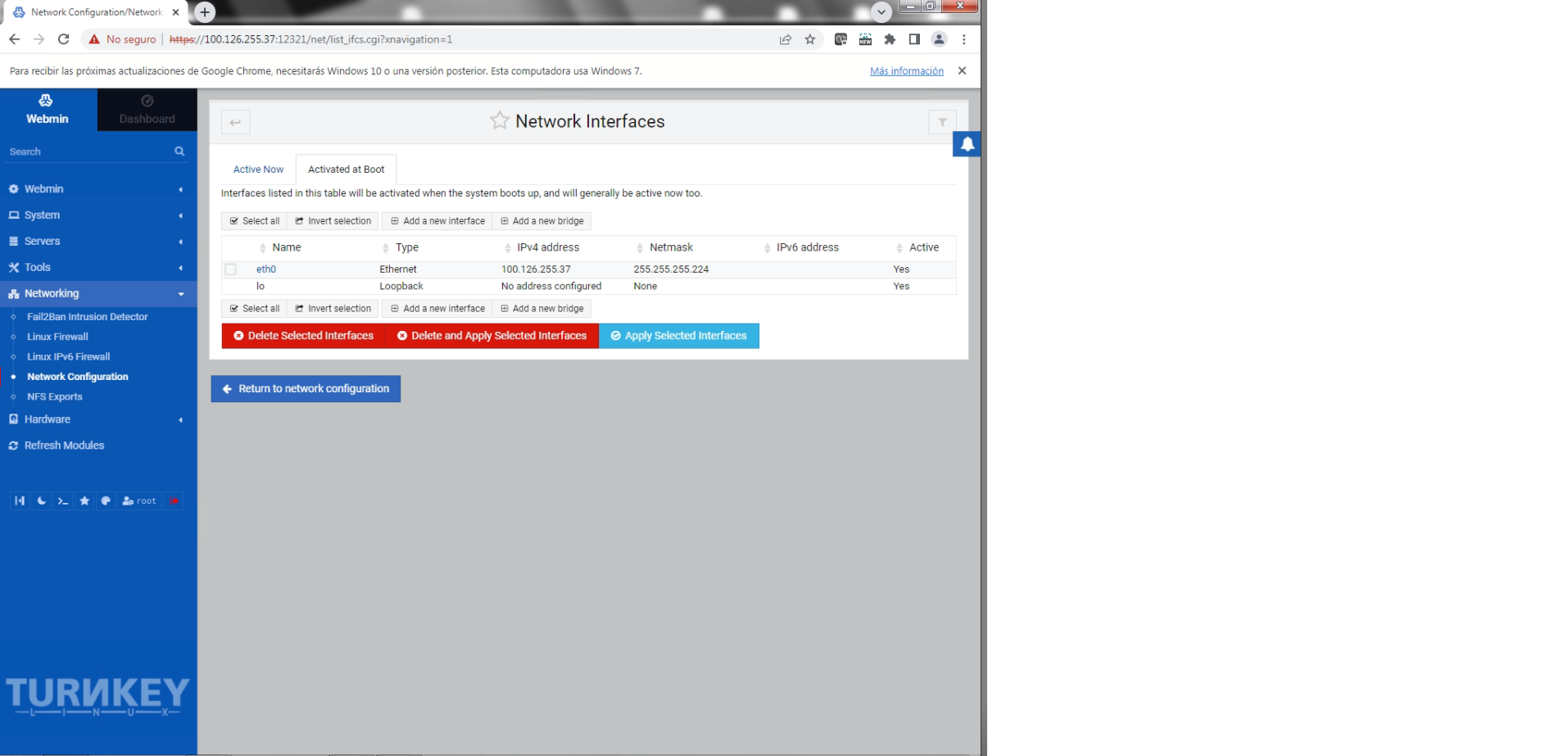
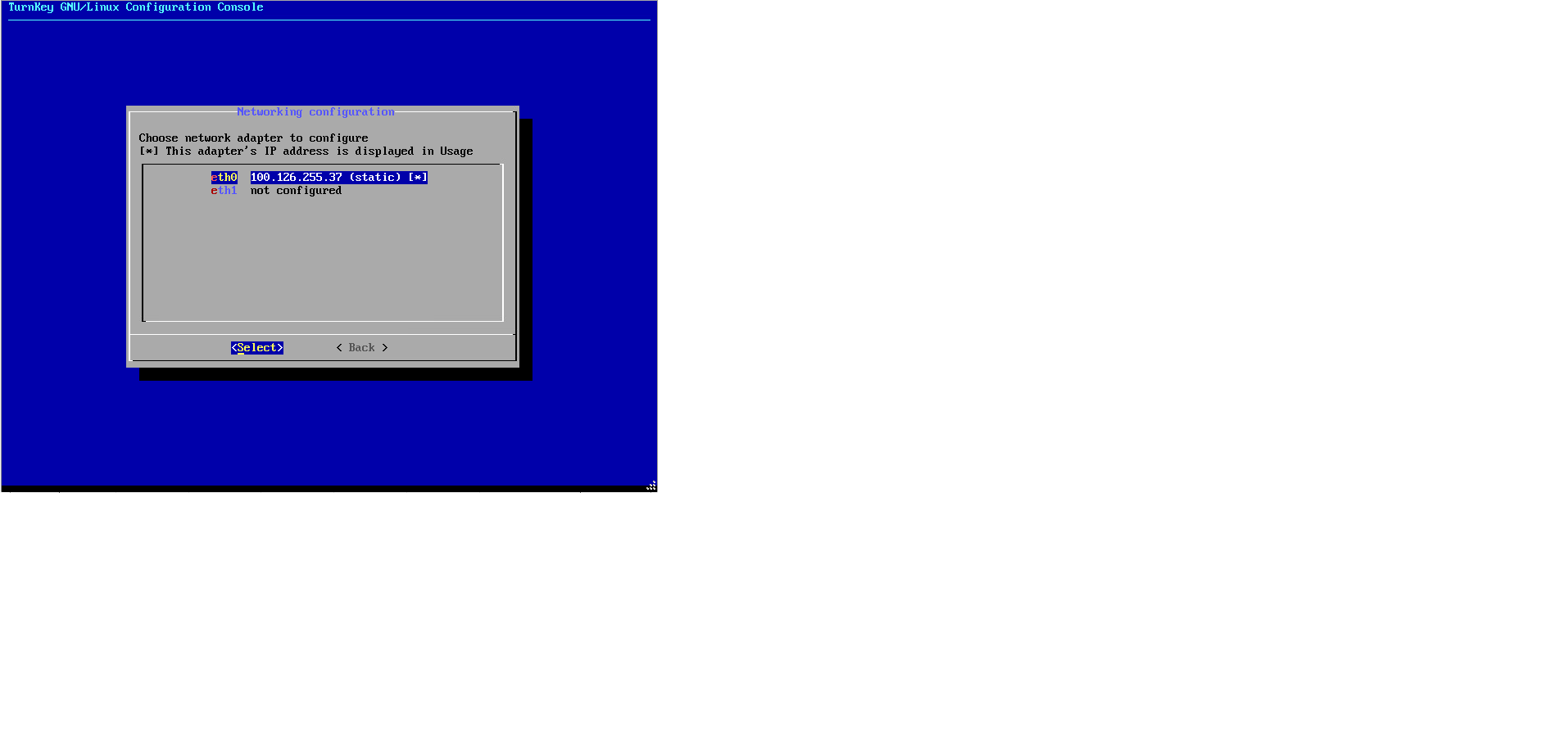
I have deployed a turnkey file-server on VMWARE ESXI 6.7 version. I added an additional network interface to the VM, also I can see it in at confconsole menu.
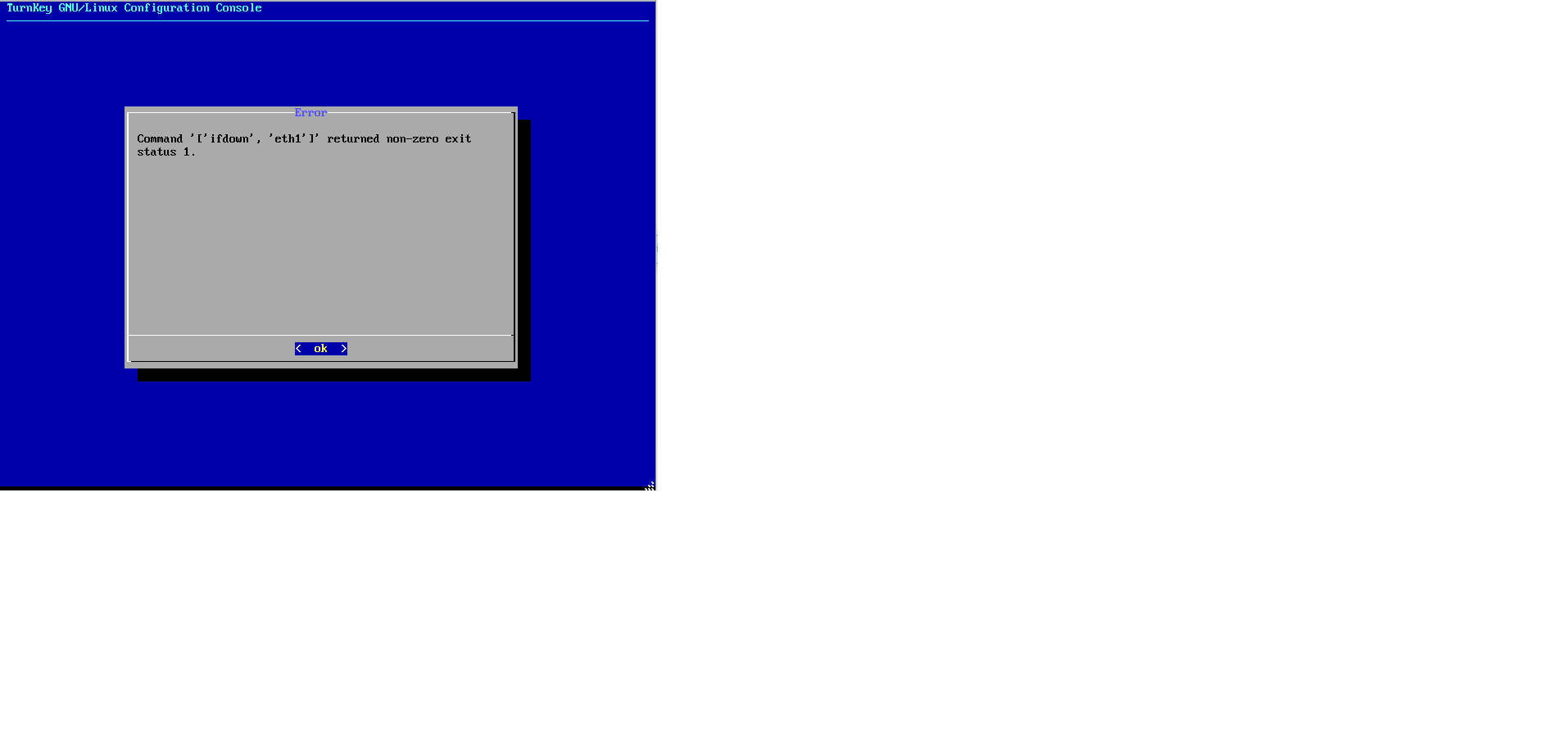
The issue is because confconsole don't let me configure IP addressing at this new interface, try an error “
Installed the canvas-lms and logged in successfully, looked at sis imports via a remote curl command. I do this regular on other systems so confident my curl and p/k are correct.
The sis imports recognised that there is a batch to process but just sits there and doesnt process any batches.
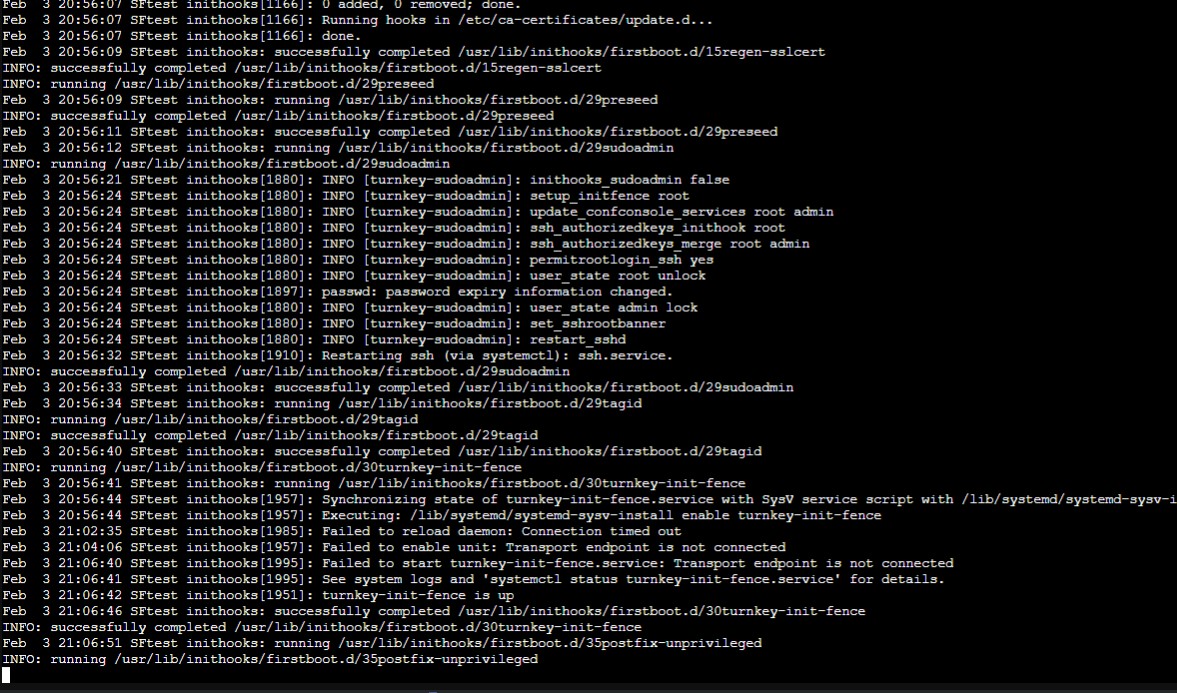
Tried the webadmin to kick the canvas_init start but get this:


 thanks