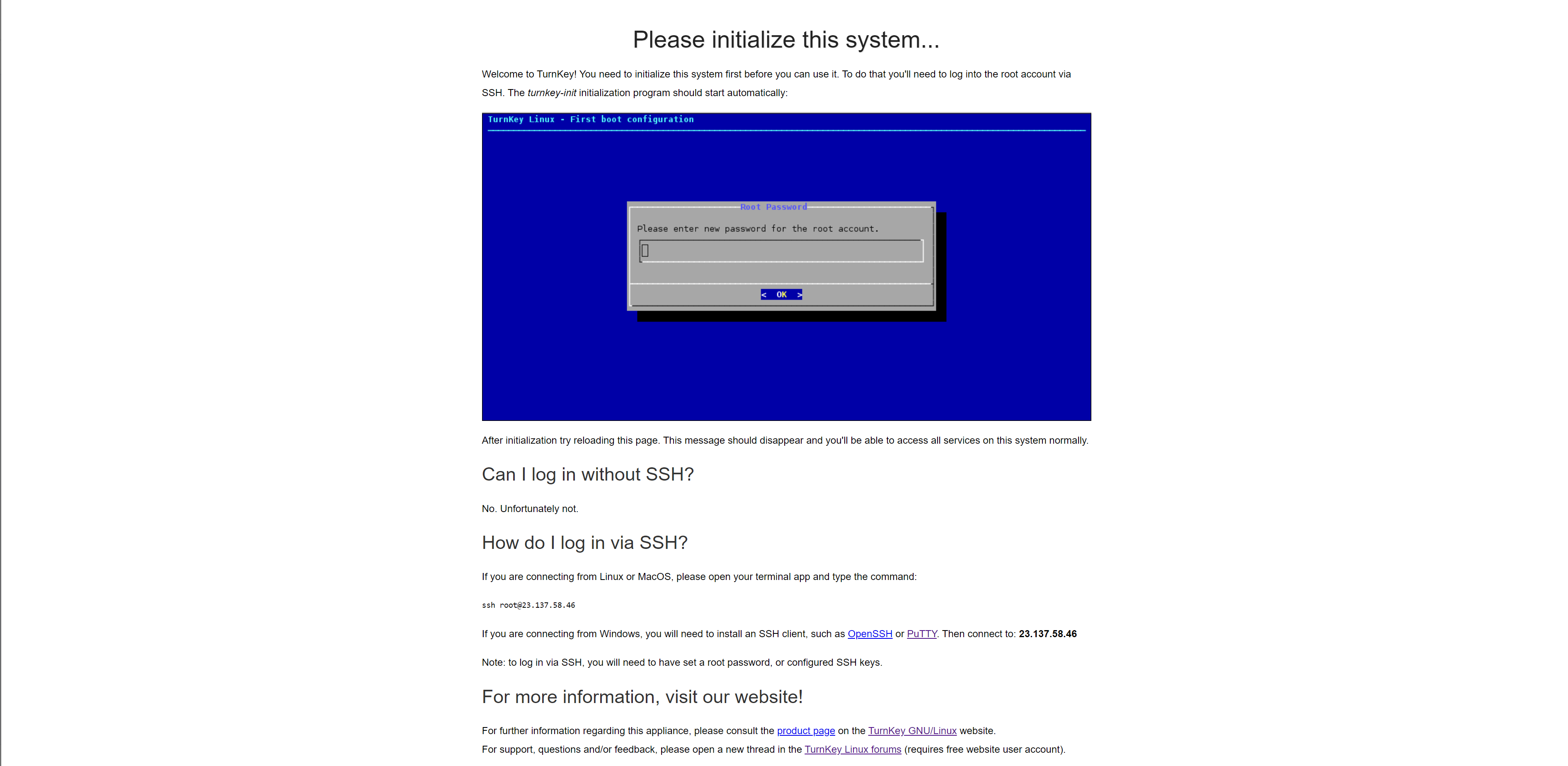
I do evrethings to remove this page from the port 80 because I run nginx in docker so for the cert I need the port 80 but with this the port 80 is bing used,how I can remove it?
We have deployed ADC from OVF. At first, it did not start since type 2 vmdk is not compatible with SCSI controller. So changing scsi to ide solved this problem and adc powered up. However, when we try to migrate compute resource vm powers off itself and the disk becomes corrupted.
On the other hand, migration works if the vm is powered of at the beginning. I assume this is somehow related with disk type but could not verify that.
Ok, so this one isn't strictly a "How do I do X?" question itself. I'm hoping for some thoughts, suggestions, and discussion. And yes, some how-to's. So let's cover the network configuration real quick.
Router: pfsense- This router nominally serves three functions besides being the router/firewall for the network.
Hi, everyone. I recently learned that the cron job that ships with TKL WordPress (and perhaps other appliances) was not working for my sites. I learned this because I kept getting error messages ("You have some tasks that are overdue, etc.") and automatic updates were not being installed. "Surely, this cannot be correct," I thought. "TKL disables wp_cron by default, which makes sense for many reasons, but they use a system cron instead."
All of that is true, but I was wrong. This is the default cron job: