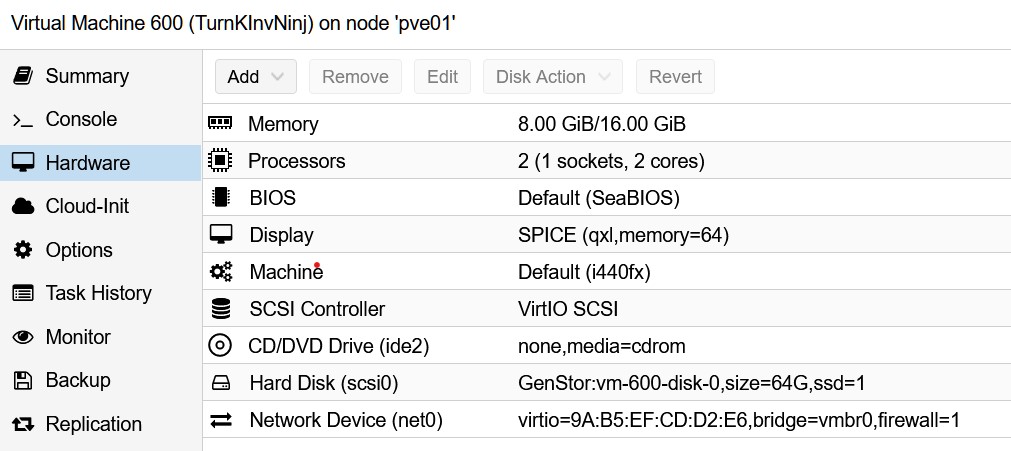
I downloaded and installed the New TurnKey Invoice Ninja version (17.2) ISO on a Proxmox vm. Everything works fine until I do the security updates which updates the kernel from 5.10.0-19 to 5.10.0-20, then everything fails .. It seem that grub cannot find the root fs ... messages below
I run TKL File Server as a CT in Proxmox. One particular use case is to provide shares to a Jellyfin media server. My Jellyfin install has numerous users - myself, wife, kids, other remote family members, etc. I have a /srv/storage/video/movies directory that contains a collection of movies. I have a /srv/storage/video/jellyfin/ directory that contains subdirectories for each Jellyfin user. I then create symbolic links in /srv/storage/video/jellyfin/[username]/Movies/ to various directories in /srv/storage/video/movies for each user. In this way, 2 or more users can share the same v
I've poked around everywhere on the web ui, but cannot seem to locate my current turnkey file server installation version. /etc/os-release, /etc/issue, /etc/proc/version, uname, etc show no mention. I've been running tkl file server for quite some time and just curious what version I am actually running. Can somebody point me to the spot I'm having a hard time finding?!? Thanks in advance.
I build and throw away a lot of Turnkey VMs just doing what I do, and the last several I've done have had the same problem with Webmin choking on the first one to three (?) connection attempts every so often ... so like, hit https://box:12321/ and get connection error, reload once or twice, get the login page. Log in, maybe stuff works. Then maybe log into adminer, and go thru the same song & dance after which you're logged into adminer and it works fine for a while longer.
so, spent the last few hours trying to upgrade from my promos lxc running tk 16.0 to the latest version..and what a nightmare..
I would love to get some feedback here please on what I am doing wrong.
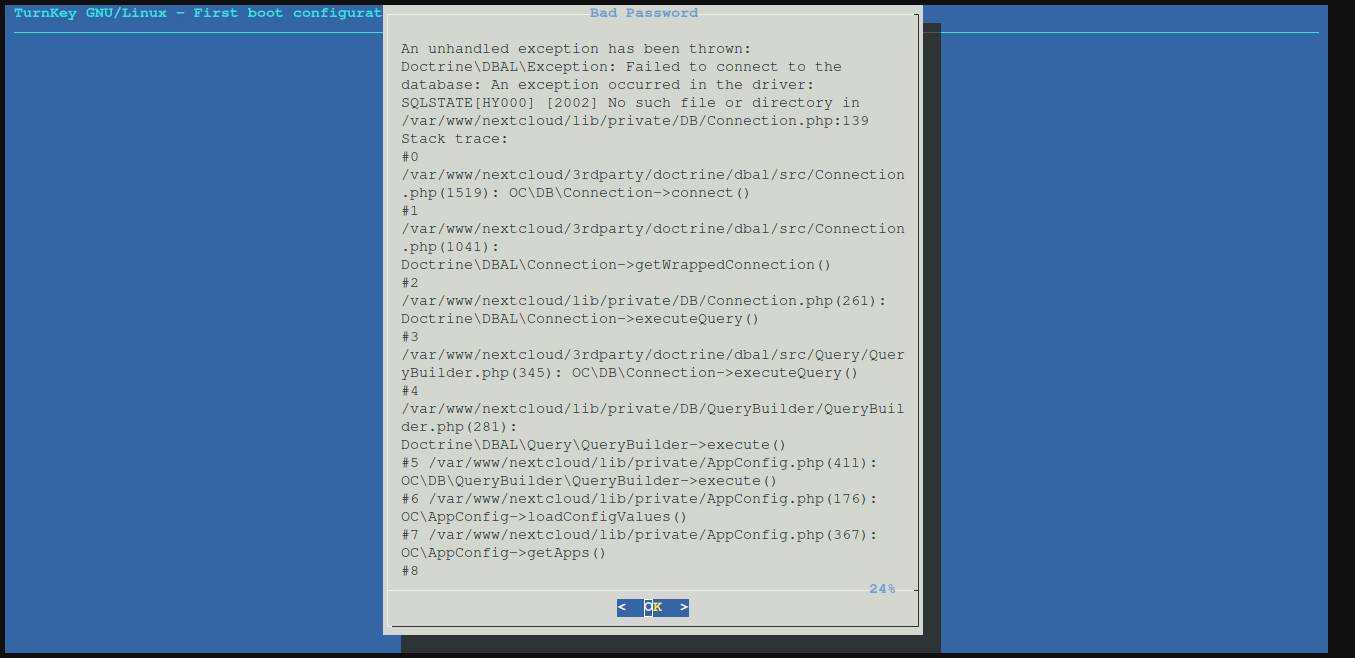
But to cut things short.. even when deploying a fresh 17.1 template and then running turnkey-init it is impossible to complete the setup as, when it comes to setting nextcloud admin password a Redis error pops up..looking through the logs and such redis gets some permissions problem:
I was creating a web gateway on AWS using TKL Core v17. I removed webmin and shellinabox as I do not need them. I noticed the stunnel services where still hanging around and I removed them as well. I tried to use the Lets Encrypt script and get an error referencing these services. I assume they are hard coded maybe? I did not have the time to muck around in the source yet.
In a turnkey fileserver LXC I have as root a normal prompt via proxmox also via ssh, in which also TAB for file additions etc. works.
When I log in via SSH as a "my-user" (I did 'adduser my-user'), the prompt only shows $ and the keyboard does not work properly. Probably the bash has to be configured for this user.
I just don't understand why the settings for root are not taken over and how I can set this for "my-user". Thanks a lot.
I have a setup running a TKL image under Proxmox. I'm trying to connect to a folder via SSHFS on OMV6 which is running as a VM on the same Proxmox node.
With 'noauto,x-systemd.automount' in fstab, the mounts aren't there after a reboot. When I manually initiate the mount, and when using 'mount -a' with 'noauto,x-systemd.automount' removed from fstab, it works fine.